Full Description
View Full Description
Education Software
This product is an Education product, designed for Teachers, Students and Academic Institutions. For a full breakdown of what our Education Software is and to check your eligibility, please see our full guide on Are you eligible for Education Software? for more information.
Edit sound where you can see it
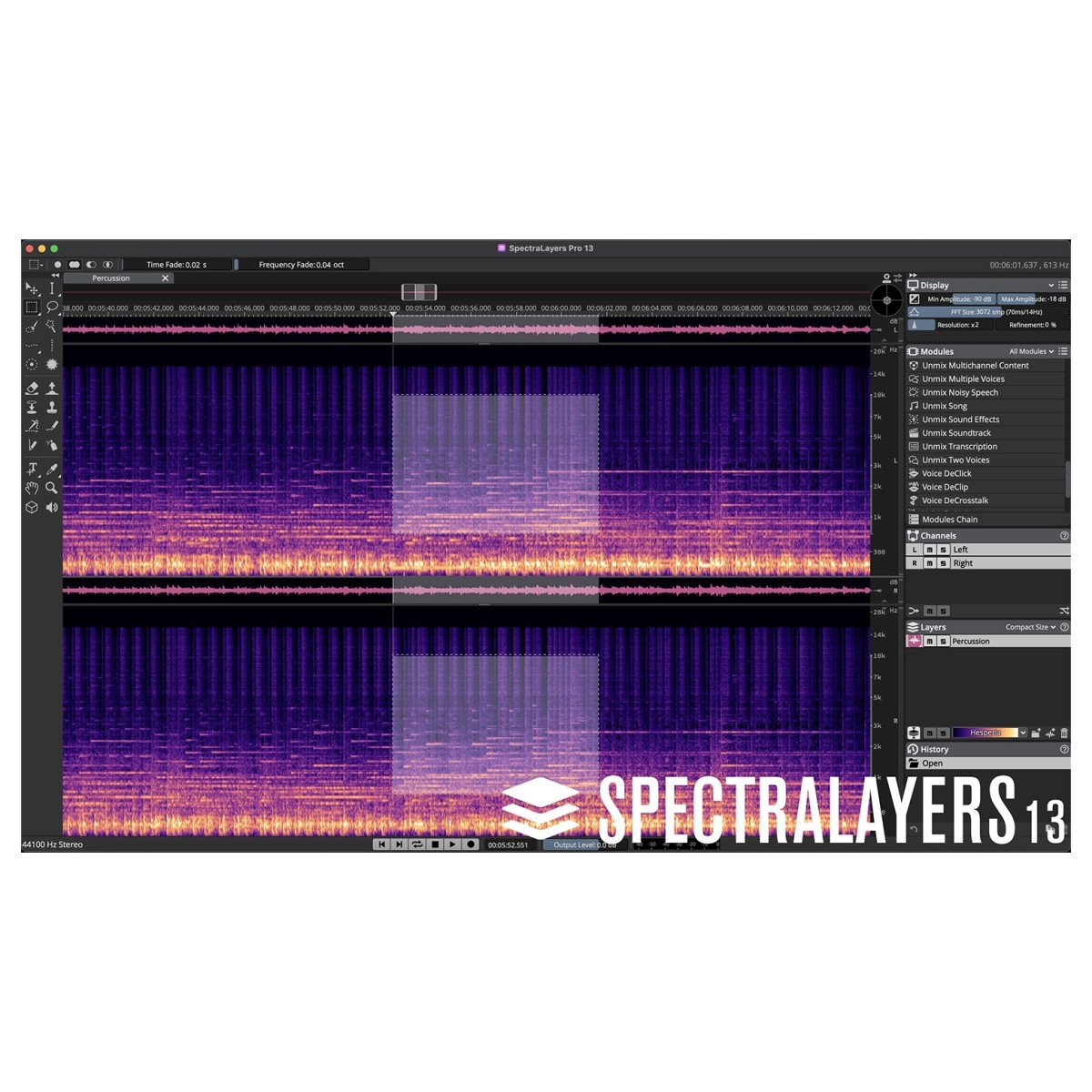
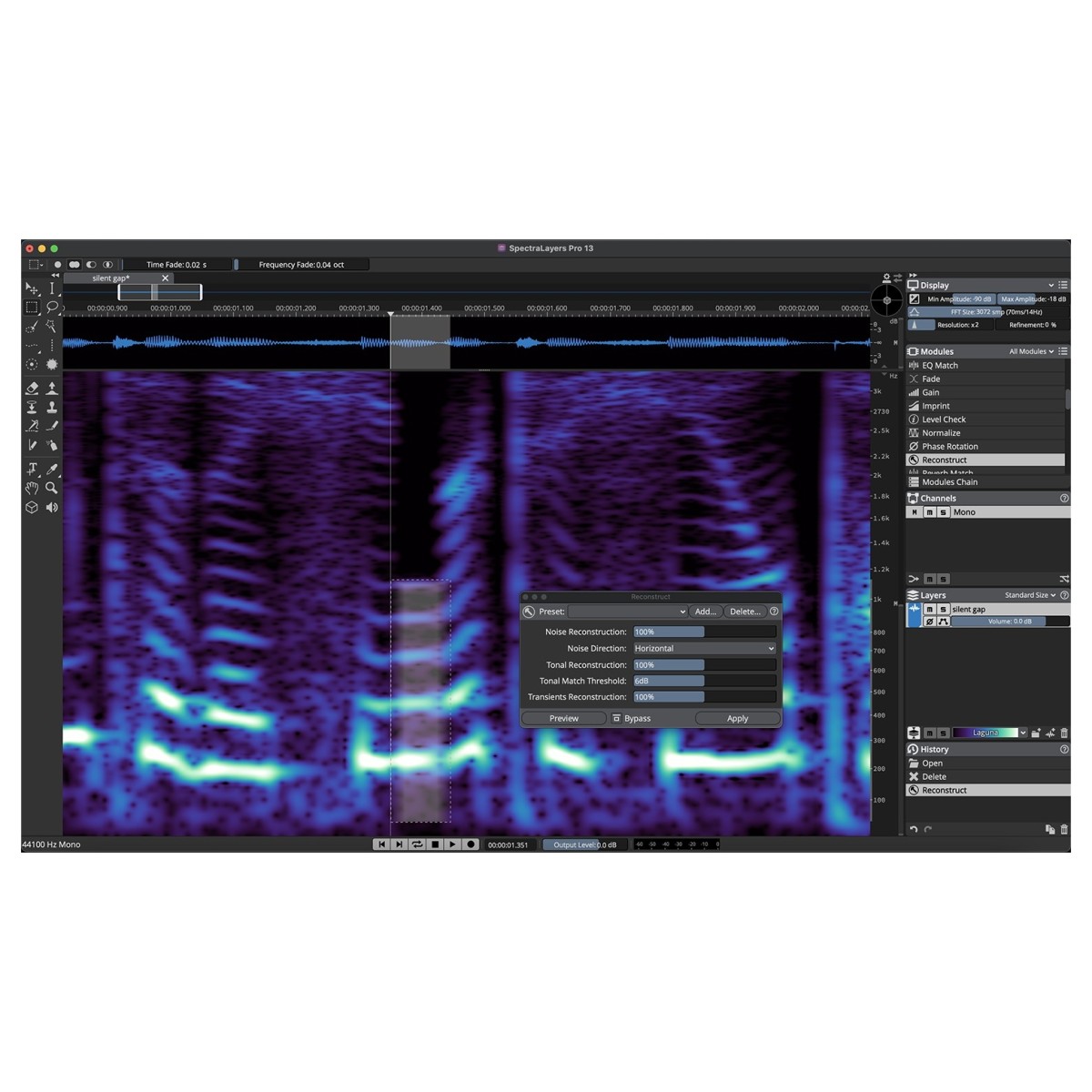
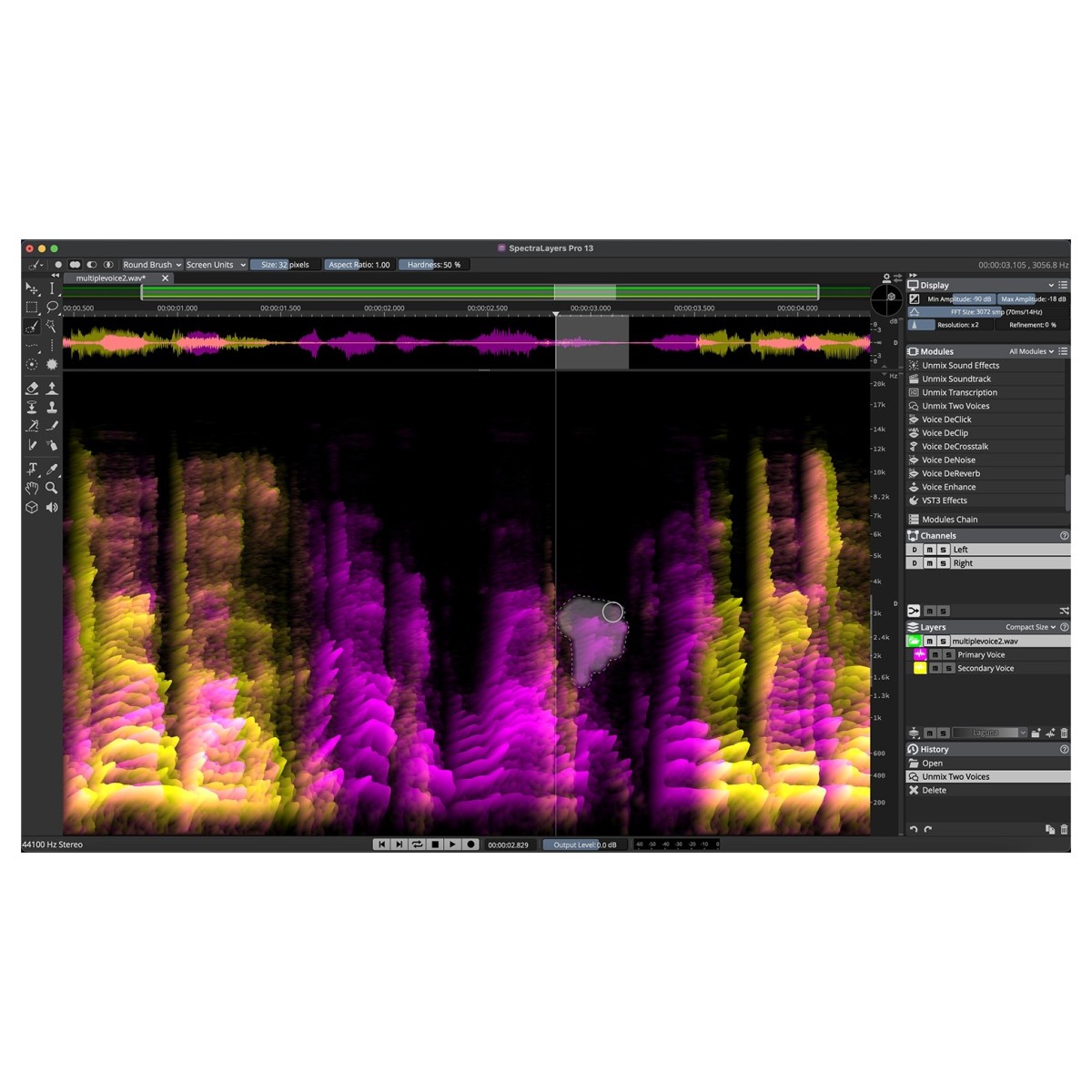
SpectraLayers 13 Pro gives you a detailed spectral view of your audio, turning sounds into visual objects that can be selected, isolated, and reshaped. Its manual selection tools cover broad edits as well as microscopic intervention, letting you target particular frequencies, events, or unwanted material without treating the entire recording as a single object. Once you've made a selection, material can be extracted onto independent layers for further processing within SpectraLayers or elsewhere in your DAW environment. You can also mix and render your work while retaining detailed control over individual elements.
This visual, layer-based approach is useful when conventional waveform editing doesn't provide enough separation, giving producers, mastering engineers, post-production editors, and sound designers a precise way to reach inside complex recordings. And because you can directly sculpt the spectral information you see, the same tools can move beyond corrective editing into detailed sonic experimentation.
Let AI handle the heavy lifting
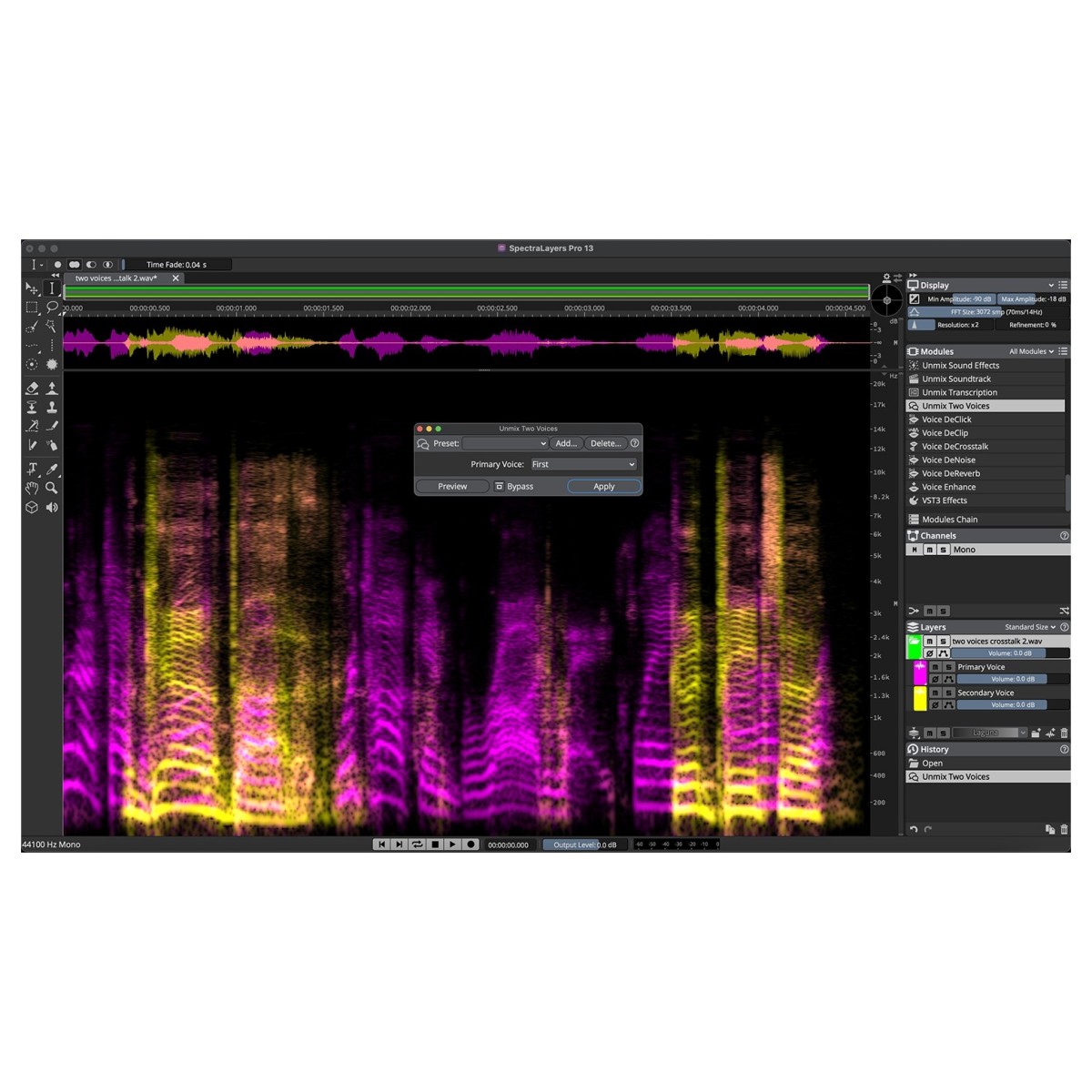
AI-assisted processes help speed up complex editing jobs while leaving you with detailed manual tools for refining the results. SpectraLayers 13 Pro can automatically unmix complete tracks into stems, then separate material further into component parts for more focused processing. Extracted instruments can be broken down according to their tone, transients, and noise signatures, giving you greater freedom to isolate and manipulate specific characteristics that would otherwise be difficult to reach.
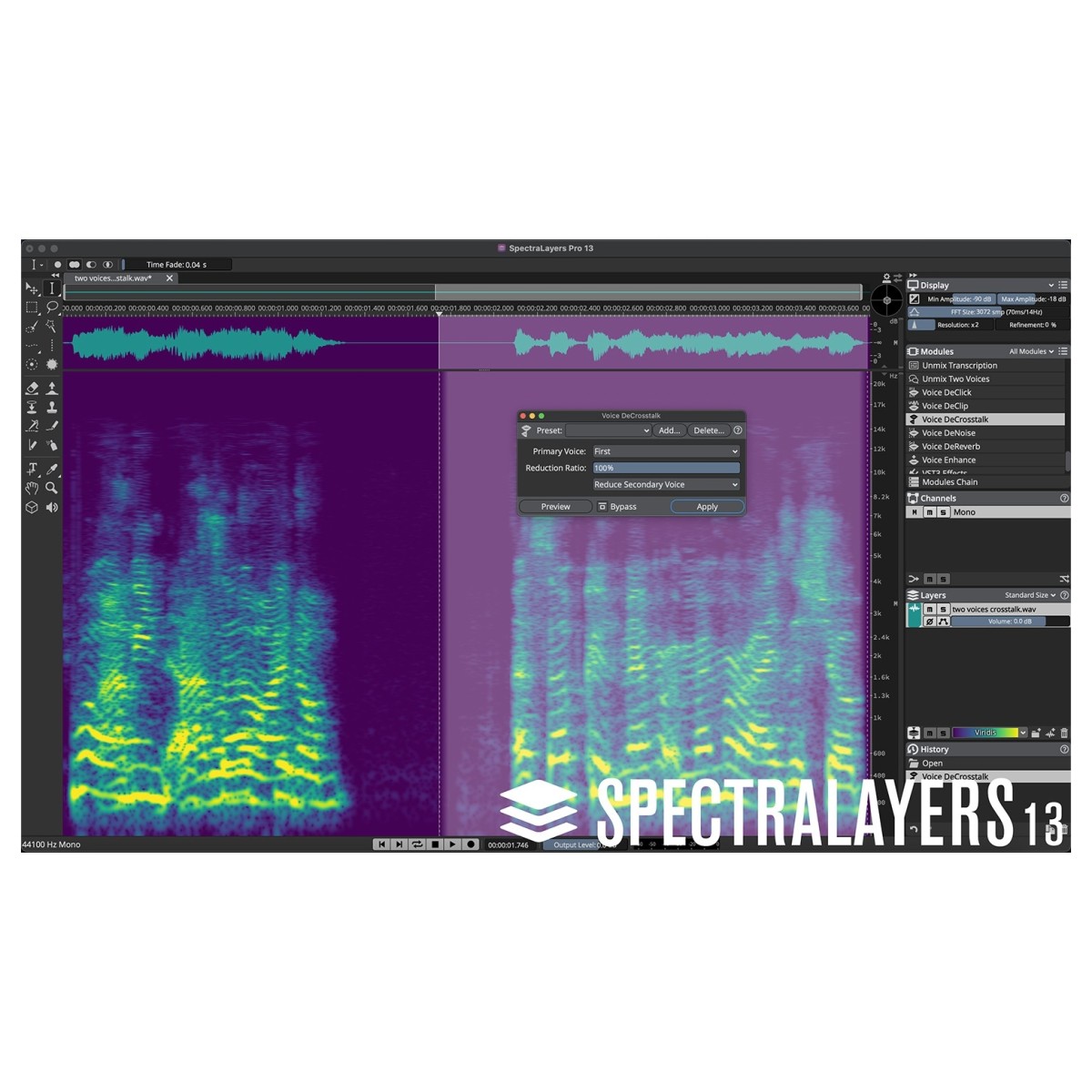
The AI-driven toolset also supports speech refinement, audio reconstruction, and noise control, extending its usefulness across music production and post-production workflows. For creative work, these separation processes can become sound-design tools in their own right: split samples into layers, construct freeform mixes, or manipulate individual sonic components with high precision. Combined with SpectraLayers' established manual selection tools, this creates a flexible workflow where automated processing tackles demanding separation and repair work before you step in for finer adjustments.
Repair recordings with precise control
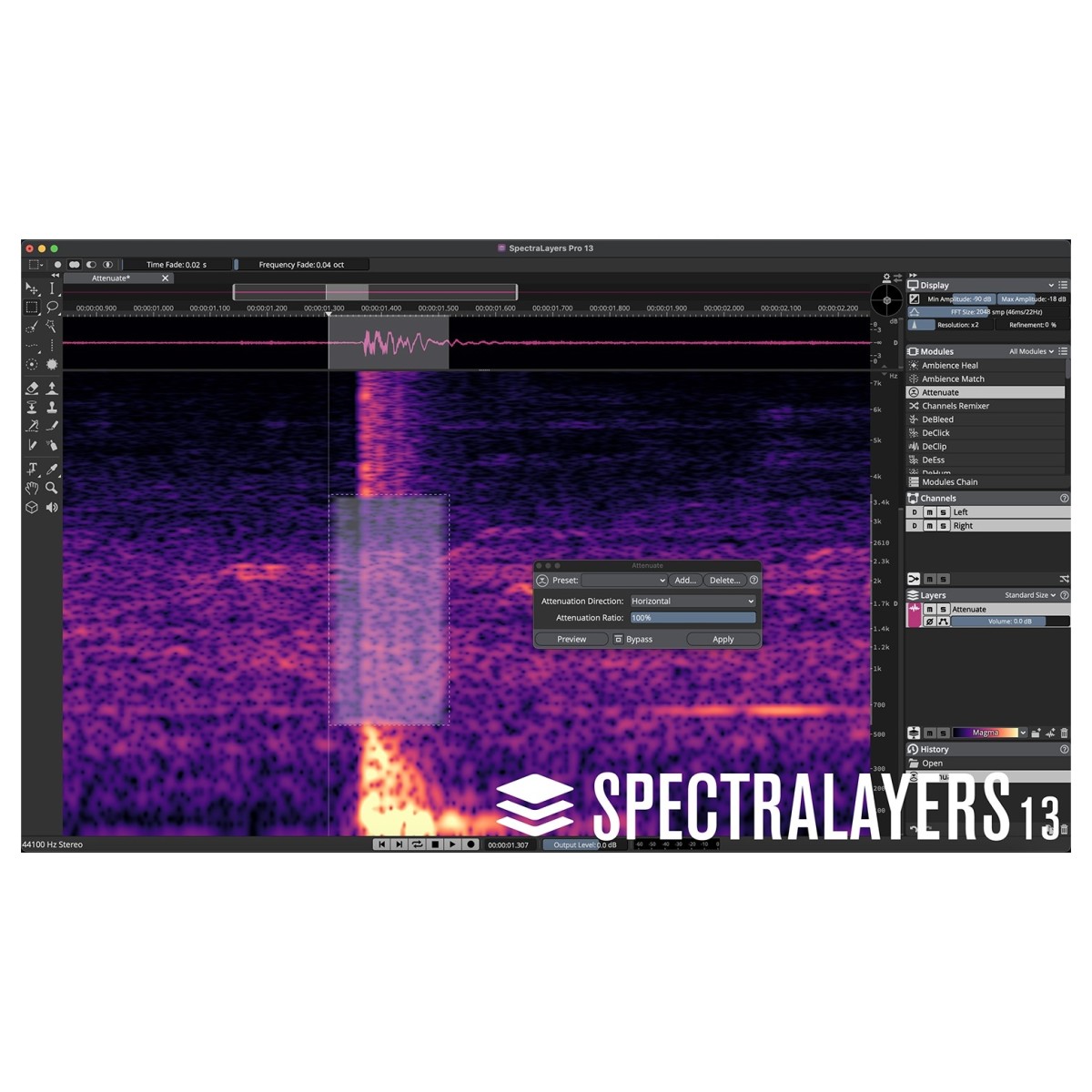
Clicks, noise, unwanted sounds, clipping, and troublesome transients can all compromise otherwise usable material. SpectraLayers 13 Pro provides both manual and AI-assisted processes for targeting these problems at spectral level, helping you make focused corrections rather than unnecessarily processing the complete recording. Detailed selection tools let you locate individual events and work on specific areas with high precision, while automatic processes can accelerate repetitive or more involved restoration jobs.
You can reduce noise, remove clicks, repair clips, tame transients, erase unwanted sounds, and reconstruct damaged material while maintaining control over exactly where processing takes place. This makes SpectraLayers useful throughout music and post-production workflows, whether you're correcting a fleeting recording error, cleaning dialogue, restoring source material, or preparing audio for further mixing and mastering. Its combination of visual feedback, precise selections, and AI assistance also helps you choose less invasive corrections when preserving the integrity of the original material is important.
Bring spectral editing into your DAW
ARA 2 support connects SpectraLayers 13 Pro with compatible production environments, including Cubase and Nuendo, bringing detailed spectral processing closer to your existing DAW workflow. Rather than treating spectral editing as a completely separate production stage, you can access its non-destructive visual editing capabilities alongside the project timeline and keep edits preserved within your session.
In Cubase and Nuendo, SpectraLayers can be launched directly within the waveform display window, helping you move between conventional waveform editing and detailed spectral work without disrupting the wider production process. Audio selections can also be extracted to independent layers, processed within SpectraLayers or elsewhere in your DAW ecosystem, then mixed and rendered when required. This level of integration is particularly useful for post-production, restoration, mastering, and detailed music production, where individual spot fixes and larger spectral transformations may need to sit alongside conventional editing and processing. It keeps SpectraLayers' specialist tools connected to the wider project while still giving you the depth of a dedicated spectral editor.
Reviews
"SpectraLayers is one of my most important tools for repairing and improving audio. Its layered approached combined with powerful algorithms unlocks a level of flexibility and editing precision never seen or heard before." - Dustin Harris (M.P.S.E)
"SpectraLayers has been essential as a precise instrument in sculpting some complex but organic fantasy sounds. It can generate unique aural impressions by reconstructing sounds through very hard edged bands into a mosaic. Being able to hear individual layers or combinations and easily export all the components as well as a composite is a great workflow. I've been having a lot of fun with the program." - Dane A. Davis (President, Danetracks Inc. – BAFTA, MPSE and Oscar awards for "The Matrix")
"Using SpectraLayers, everything was made to sound fantastic on two different album projects I was involved with." - Steve Morse (Guitarist – Kansas, Deep Purple, Living Loud, Angelfire)
Features
- AI-powered Unmix Song process to separate up to seven instruments
- Unmix Multiple Voices process
- Unmix Noisy Speech process
- Transcription process
- Comprehensive Spectral Editing toolset, including Eraser, Frequency Repair, Transient Pencil and more
- Reverb Match Process
- EQ Match process
- Ambience Match process
- Noise Reduction process
- Reverb Reduction process
- Clip Repair process
- Voice Denoiser process
- ARA plug-in support
- AAX plug-in support
- Layer-based, non-destructive spectral editing tools and processes
Specifications
- Operating system:
- Mac: macOS Big Sur, macOS Monterey, macOS Ventura, macOS Sonoma, macOS Sequoia, macOS Tahoe
- Windows: Windows 10 Version 21H2, Windows 11 Version 21H2 (or higher)
- CPU:
- Mac: Intel Core i5 (mid 2013 or later) or Apple silicon
- Windows: Intel Core i5 (4th Generation) or AMD Ryzen or Qualcomm Snapdragon X
- Format:
- Mac: VST-3, AAX
- Windows: VST-3, AAX
- RAM: 8GB
- Disk Space: 8GB
- Product code: 1527-210