Full Description
View Full Description
Everything you need to start making music
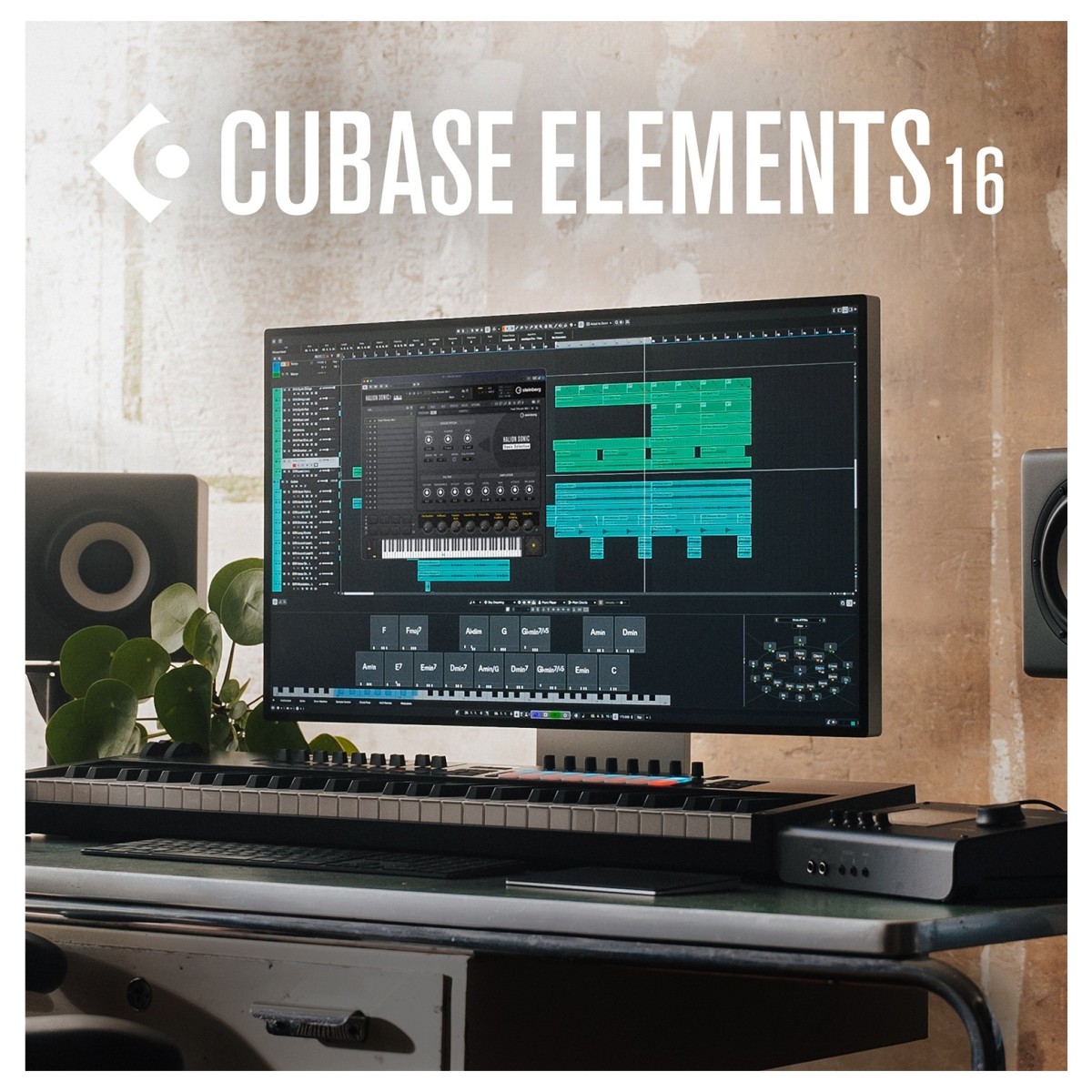
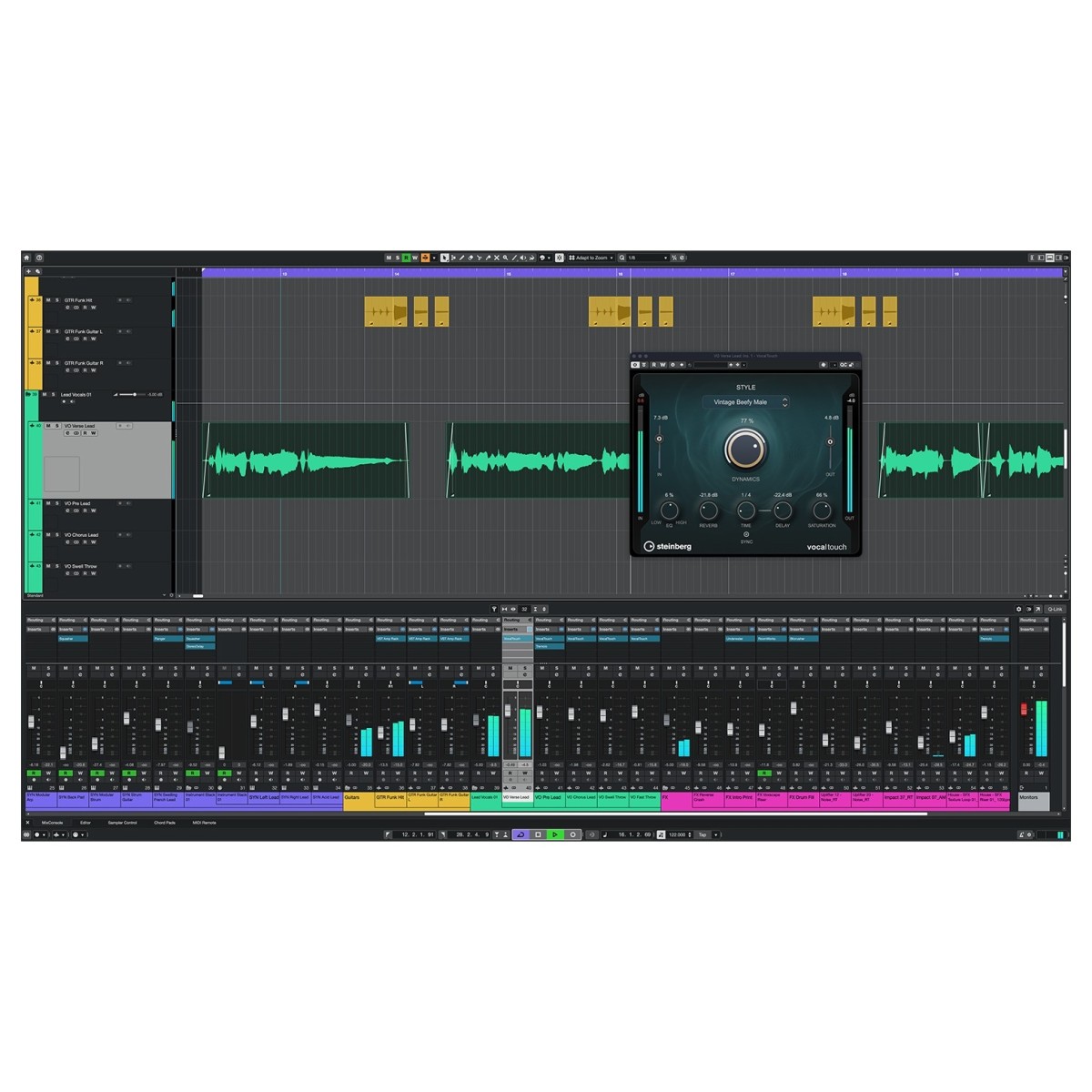
Cubase Elements 16 brings together the core recording, editing, and mixing tools of Cubase in a streamlined package that's easy to get to grips with. Designed for beginners and home studio musicians, it provides an accessible workspace for recording vocals and instruments, programming MIDI, arranging tracks, and building finished mixes. The integrated MixConsole gives you access to essential mixing controls, effects, and automation without the complexity of more advanced production environments. Cubase Elements provides the tools you need to create music at your own pace, with Guided Tours and Quick Help available whenever you need a hand.
Make MIDI programming more musical and intuitive
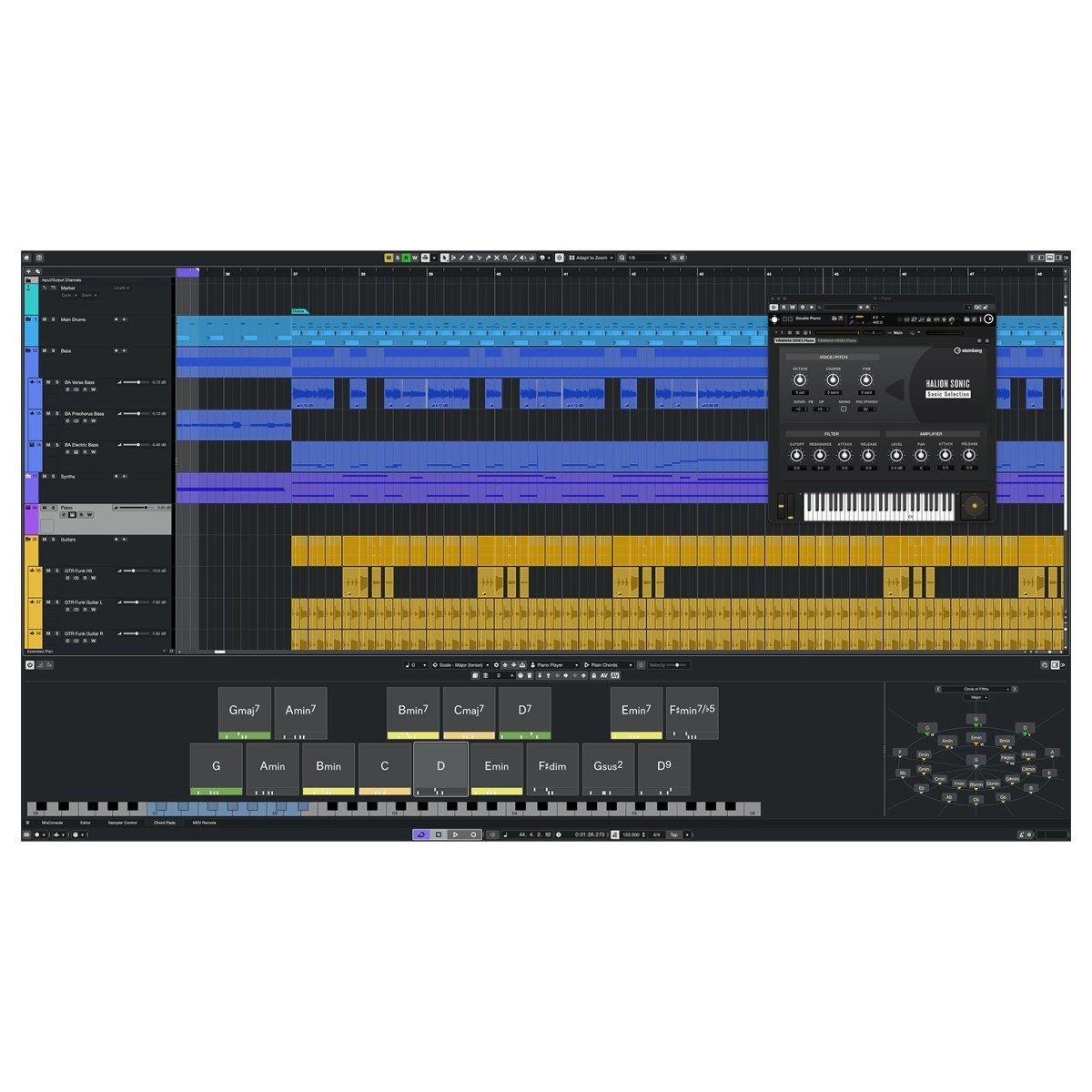
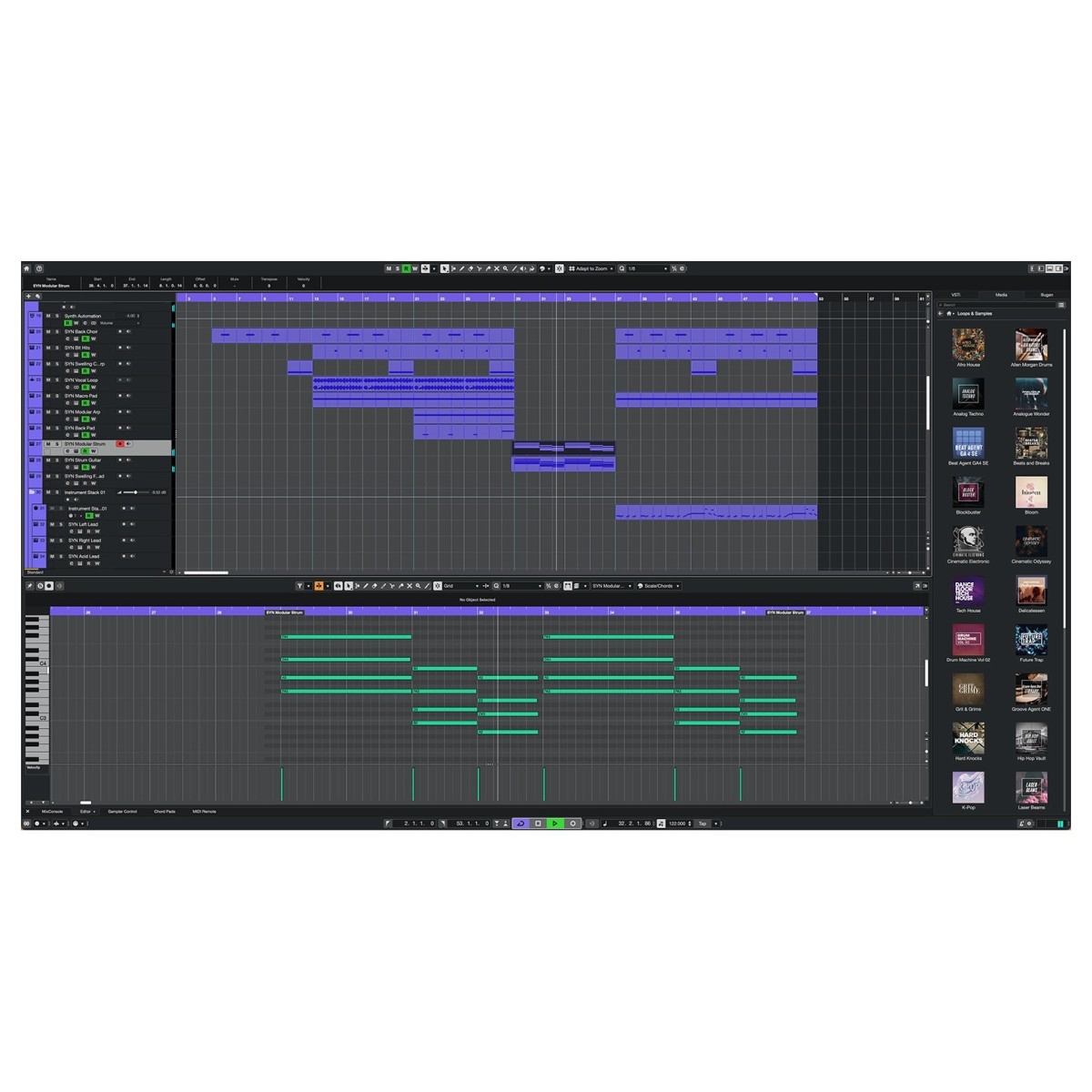
Creating melodies, chord progressions, and beats is straightforward with Cubase Elements 16's built-in MIDI editing and composition tools. The new Key Editor Strum feature introduces subtle timing differences between notes, helping programmed chords sound more like a natural performance. MIDI Stretch also makes it easier to adjust the length of melodies, basslines, and chord progressions to fit your arrangement, without having to reposition individual notes. If you're still learning music theory, Chord Pads and Scale Assistant help you explore different harmonies and develop musical ideas. These tools provide practical ways to create expressive MIDI arrangements without needing to learn complicated editing techniques.
Get creative with essential instruments and effects
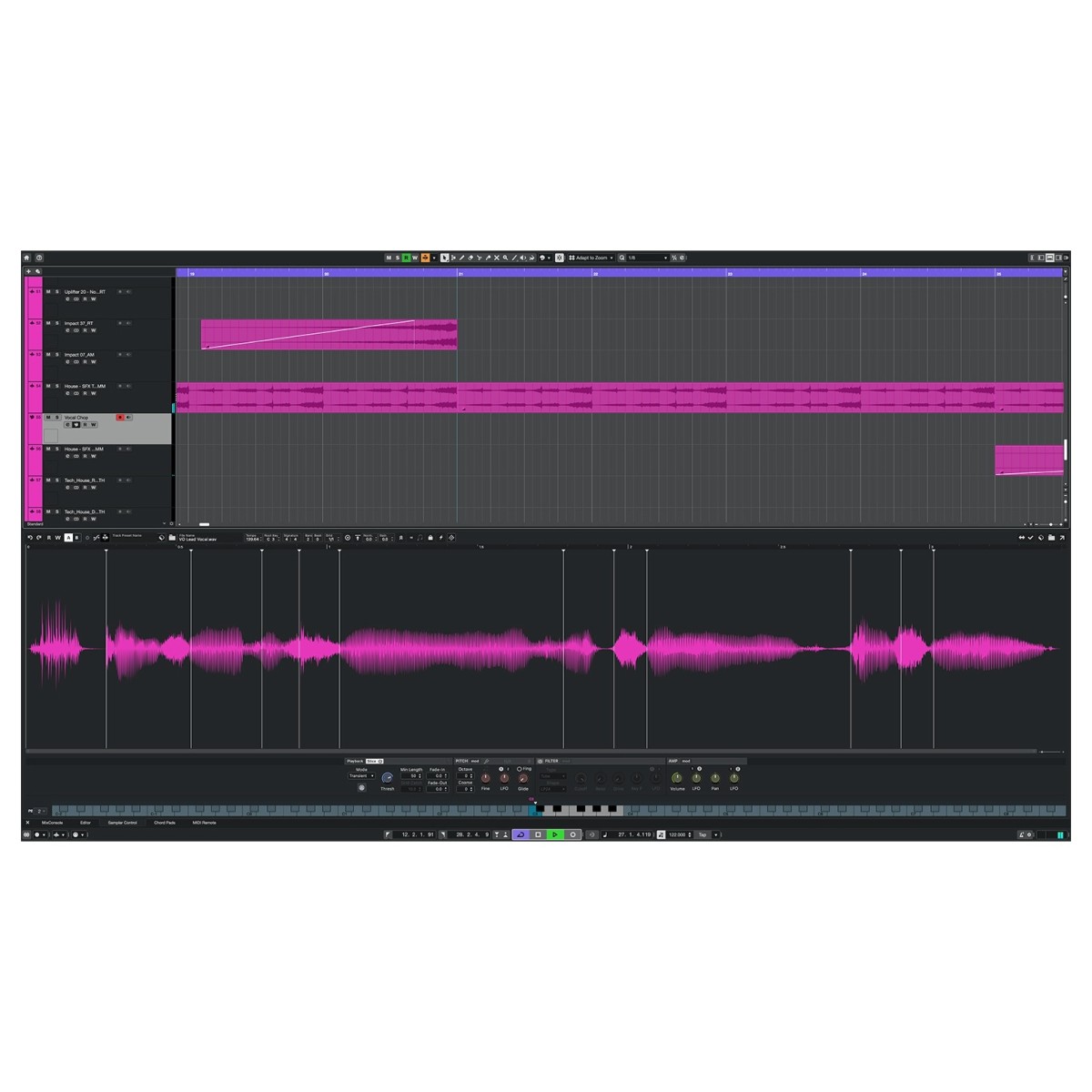
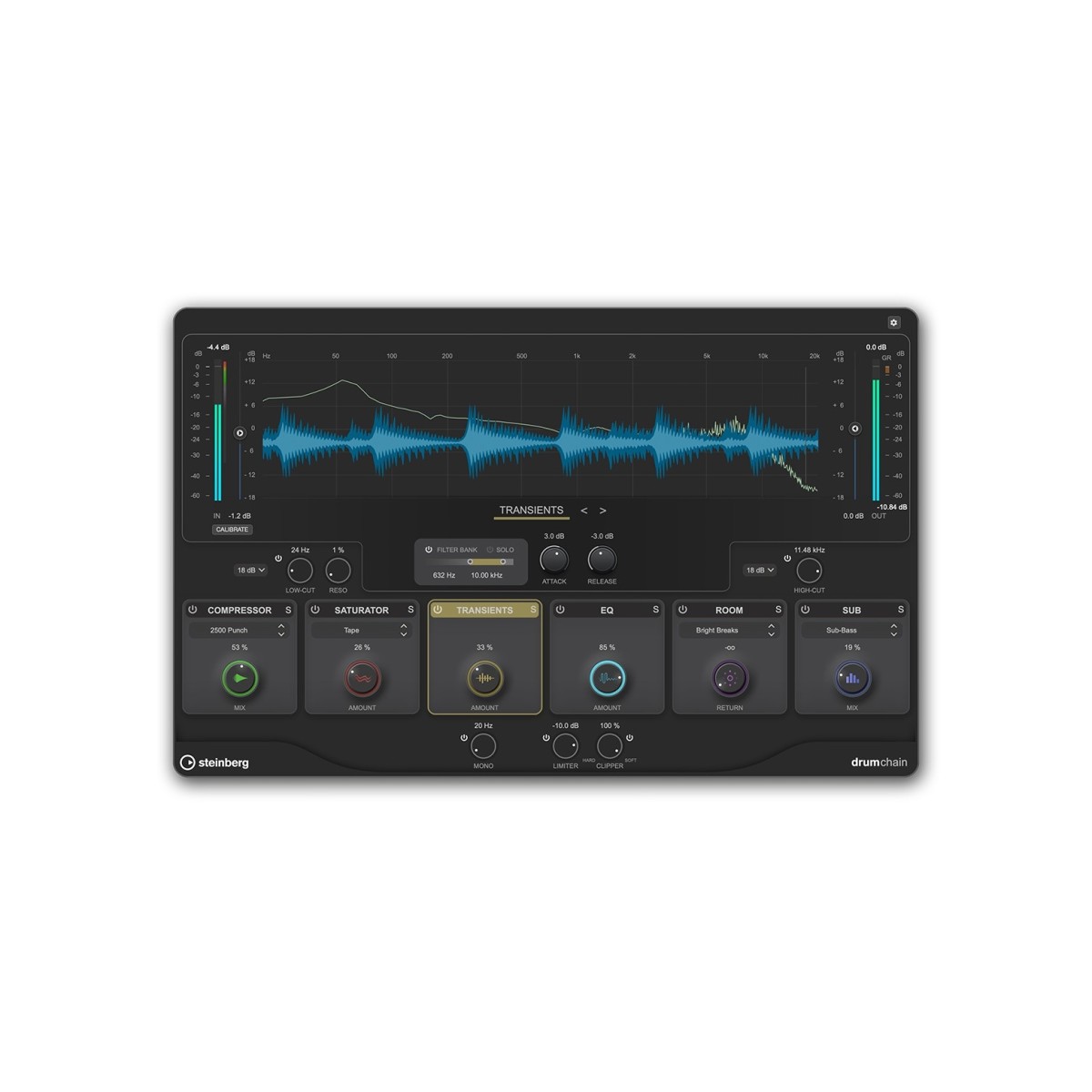
Cubase Elements 16 includes a focused collection of instruments, effects, and processors to help you develop your sound without needing an extensive plug-in library. Seven virtual instrument libraries, 45 effects, and over 20GB of samples and loops provide a starting point for producing tracks across different genres. New additions include VocalTouch for straightforward vocal processing, Omnivocal Basic for developing vocal ideas, and DrumChain for adding punch and clarity to your beats. Five new sample packs also introduce sounds covering Afro House, Beats & Breaks, K-Pop, Latin Vibes, and Organic Sessions. With these tools included, you can focus on learning the fundamentals of sound design, processing, and mixing.
Enjoy a simpler workflow from recording to mixing
Cubase Elements 16 keeps everyday production tasks accessible, helping you spend more time making music and less time navigating menus. The redesigned Settings window brings project configuration, audio connections, preferences, and keyboard shortcuts into one searchable location, making it easier to find and adjust the controls you need. Improved tempo detection simplifies matching imported audio to your project's timing, while the updated Audio Pool helps keep recordings and samples organised. Faster insert handling and improved drag-and-drop functionality also make working with effects and arranging tracks more convenient. Combined with context-sensitive Quick Help and Guided Tours, these improvements create a manageable production environment that you can become familiar with as your skills develop.
Features
- VocalTouch delivers fast, intuitive vocal shaping
- DrumChain provides fast drum enhancement for punch, clarity, and low-end weight
- A redesigned workflow for faster, more reliable tempo matching
- Key Editor Strum adds more natural timing and feel to programmed chords
- Key Editor Stretch lets you stretch melodies, basslines, and chord progressions to the length you need
- Replace generic MIDI controller message names with labels that match your instruments and hardware
- Redesigned Settings provides searchable, consolidated setup and customization in one non-modal window
- Quick Help menu gives you context-aware in-app guidance in the Left Zone or a floating window
- Seamless integration with Waves Illugen for custom sample creation
- New technical and genre-based FX Mastering Presets for faster finishing
- New Sounds and Loops - Five new sample packs to spark new ideas
- Omnivocal Basic - A lightweight tool for quickly developing vocal ideas
- Faster insert handling and more flexible drag-and-drop
- Windows MIDI Support - Built on the latest Windows MIDI platform for next-generation MIDI technologies in Windows 11
- Support for MIDI 2.0 expressions for more expressive performances and orchestral articulation
- Redesigned Audio Pool for cleaner media management
- Add and edit lyrics directly alongside MIDI notes, with fast step entry and pronunciation controls
- Extended ASIO-Guard- more processing headroom for demanding projects with large track counts and CPU-intensive plug-ins
- Extended audio file support, supporting AAC and M4A Import
- Guided Tours - A friendlier onboarding experience for new users
- Ableton Link - Easier sync with other compatible music apps.
- 7 virtual instrument libraries
- 45 included effects
- 20+ GB of samples and loops included
Specifications
- Operating system:
- Mac: macOS Golden Gate (27), macOS Tahoe (26), macOS Sequoia (15)
- Windows: 64-bit Windows 11 (version 25H2 or higher) and 64-bit Windows 10(version 22H2 or higher)
- CPU:
- Mac: IntelCorei5 (2018 or later)or Apple silicon (Native App and Rosetta 2 App)
- Windows: IntelCorei5 (8th Generation) or AMD Ryzen Series-3000 or Windows on Arm processor
- Graphics Display:
- Mac: Graphics card with Metal support
- Windows: Graphics card with native Windows 10 support (Microsoft Basic Display Driver is not recommended)
- Display resolution: 1440 x 900
- RAM: 16GB
- Disk space: 89GB (Full installation)
- Activation: An internet connection is required for activation, account setup and personal/product registration. A download is required for the installation.
- Product code: 1527-244