Full Description
View Full Description
Education Software
This product is an Education product, designed for Teachers, Students and Academic Institutions. For a full breakdown of what our Education Software is and to check your eligibility, please see our full guide on Are you eligible for Education Software? for more information.
Seamless rekordbox integration for DJs and producers
Bridge the gap between DJing and music production with Bitwig Studio's new rekordbox integration, introduced in version 6.1.2. Developed in collaboration with AlphaTheta, this feature lets you access your existing rekordbox music library directly within Bitwig Studio on Windows and macOS. Browse your collection using Bitwig's integrated browser, with options to search and filter tracks by artist, playlist, file type, and more.
Opening a track automatically creates a project matched to its original BPM and musical key, making it easier to start remixing without manually configuring your session. Hot Cues, song structure information, and vocal placements are also displayed, giving you a useful reference when editing arrangements or creating alternative versions. Whether you're rebuilding drum patterns, adding new synthesiser parts, or restructuring existing tracks, rekordbox integration provides a convenient way to turn your DJ collection into material for new productions.
A complete collection of instruments and effects
As the flagship edition of Bitwig's DAW range, Bitwig Studio includes the complete collection of 190 instruments and effects, providing the tools needed for synthesis, sampling, drum programming, mixing, mastering, and creative audio processing.
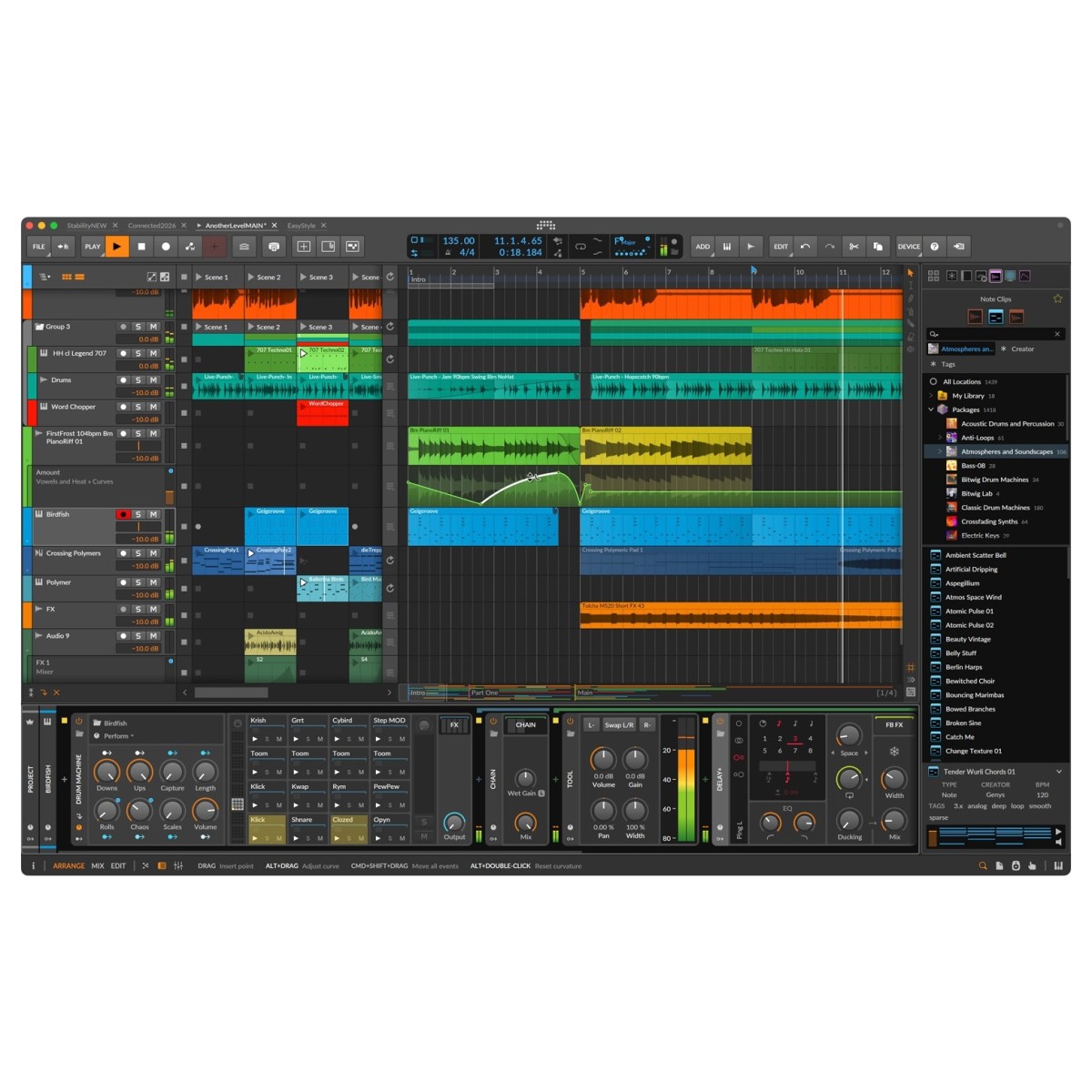
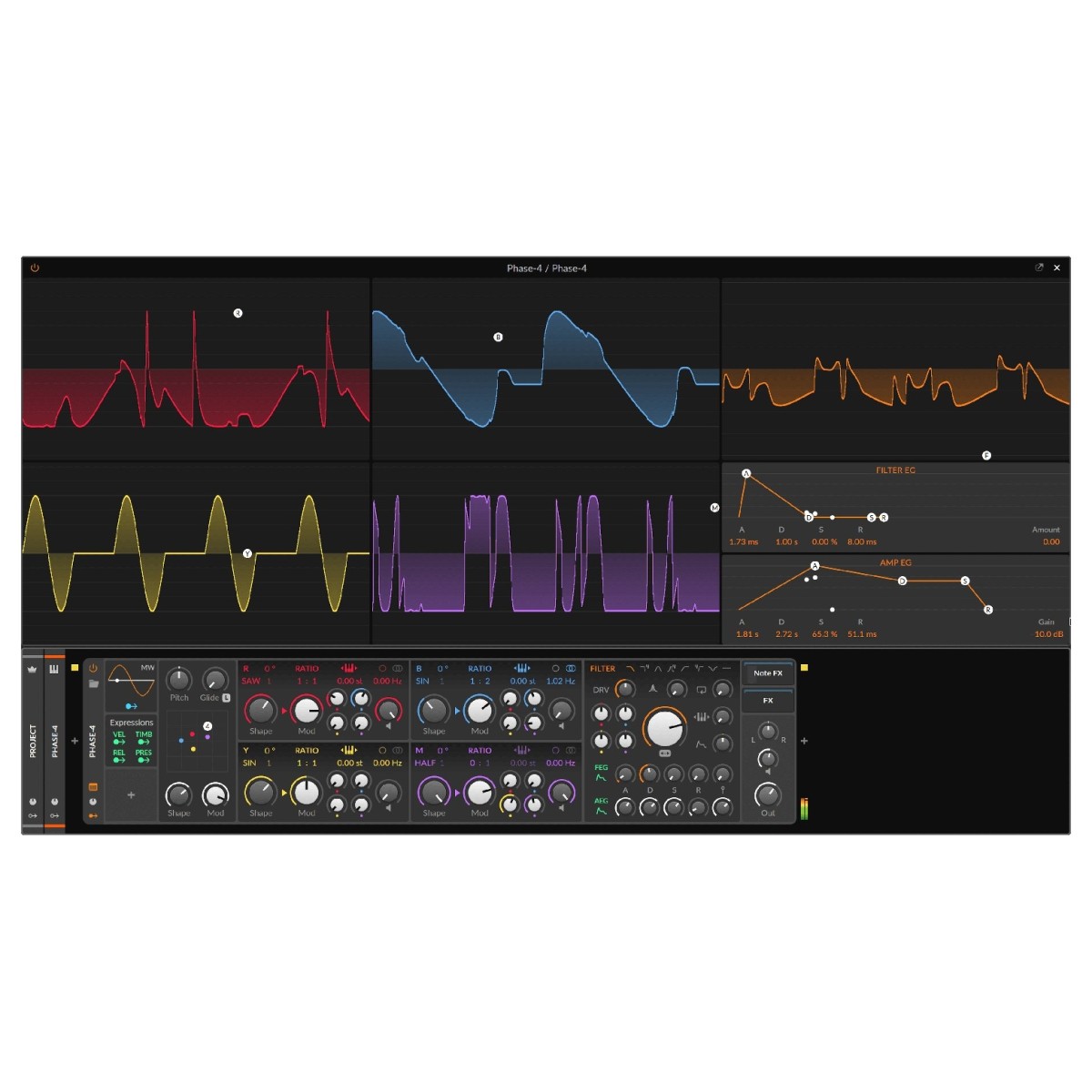
Polymer offers flexible polyphonic synthesis with interchangeable oscillators, filters, and envelopes, while Phase-4 uses four oscillators with phase modulation and phase distortion to create complex digital timbres. For rhythm production, the Drum Machine lets you build custom kits or explore hundreds of presets, complemented by dedicated drum synthesis devices.
A comprehensive selection of mixing and sound design processors includes EQ+ for detailed graphical equalisation, Filter+ and Sweep for filtering and waveshaping, plus reverb, delay, distortion, and modulation effects. Alongside mixer effects and plugins, a range of dedicated Note FX let you sequence, arpeggiate, randomise, and transform MIDI performances.
With over 20GB of included sound content, thousands of presets, and a flexible system of container devices, you can combine instruments and effects to develop custom processing chains and layered sounds.
Rediscover sampling with Bitwig 6.1
Bitwig Studio 6.1 introduces a redesigned Sampler with expanded playback modes, intelligent analysis, and advanced editing capabilities. Built for both traditional sampling and experimental sound design, the updated instrument offers greater control over how recorded audio is divided, tuned, stretched, and manipulated.
Advanced slicing is now available across every playback mode, allowing you to divide samples by rhythmic intervals, detected transients, or pitch. Individual slices can be triggered through MIDI notes, velocity, or the Select control, with dedicated looping and modulation options for creating evolving rhythmic patterns and textures. You can also transfer clips directly from the Arranger or Clip Launcher into Sampler for immediate editing.
Intelligent pitch analysis automatically detects the changing pitch of recorded material, allowing samples to follow the notes you play without relying solely on manually assigned root keys. The same pitch-detection technology is also available in the new Tuner device, which can be used independently or within The Grid.
Advanced time-stretching and granular sound design
Two new playback engines in Bitwig Studio 6.1 expand the Sampler's creative capabilities. Spectral introduces real-time time-stretching that allows you to change playback speed independently of pitch, making it useful for tempo-matching loops, manipulating vocals, and reshaping recorded performances. Its Preserve Onsets function helps maintain transient definition when stretching percussive material, while automatic tempo detection allows samples to follow the project BPM. Additional formant processing, harmonic bending, and scale-based harmonic quantisation provide detailed control over the tonal character of your recordings.
For more experimental processing, the new Fragments engine offers granular synthesis with up to 256 independently controlled grains per voice. Adjust grain size, position, playback direction, and speed to create dense textures, rhythmic patterns, or sustained sounds. Grains can also be synchronised to the project tempo and repeated up to 16 times.
Existing playback modes have been expanded too, with Analog and Digital characters in Repitch for vintage-inspired processing, plus new pulse-width, phase modulation, and harmonic controls in Cycles.
Expanded multisampling and modular synthesis with The Grid
Bitwig 6.1 brings significant improvements to multisampling, making it easier to build expressive instruments from multiple recordings. Dragging several samples onto a track can automatically create a round-robin instrument, while alternative drag operations allow samples to be layered and tuned together.
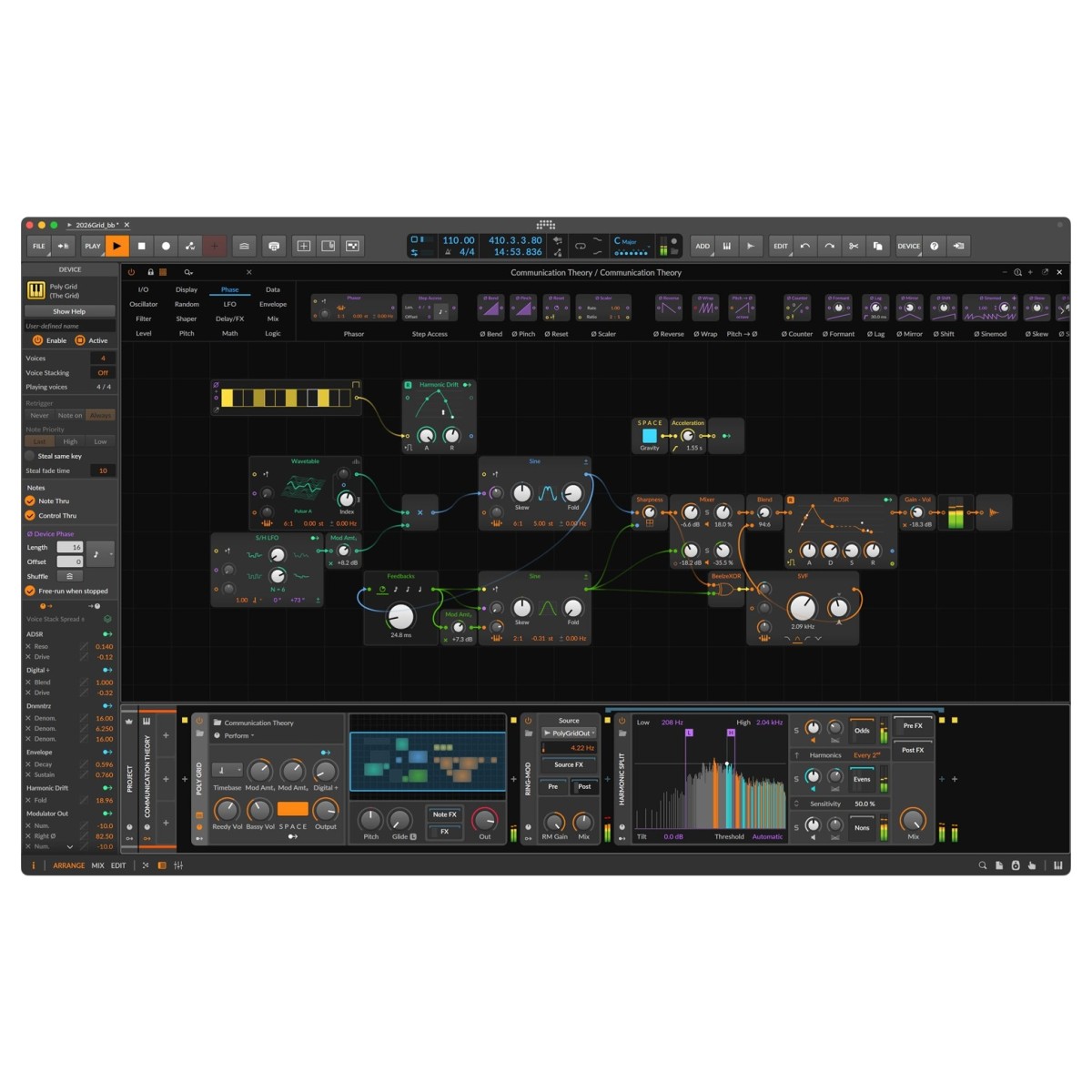
The updated multisample editor includes zone muting and soloing, simultaneous editing through the Histogram, and Live Select Updating for smoothly transitioning between samples using modulation, pressure, or other control signals. These improvements extend into The Grid, Bitwig Studio's integrated modular sound design environment. Available through Poly Grid, FX Grid, and Note Grid, it provides over 230 modules for building custom synthesisers, audio processors, and note-generating systems.
The redesigned Sampler is now available within The Grid, including additional functionality such as signal-triggered grains in Fragments mode. Optional module outputs also provide access to pitch, amplitude, and onset analysis data, allowing you to use recorded audio to control other modules.
Flexible creative controls for every production workflow
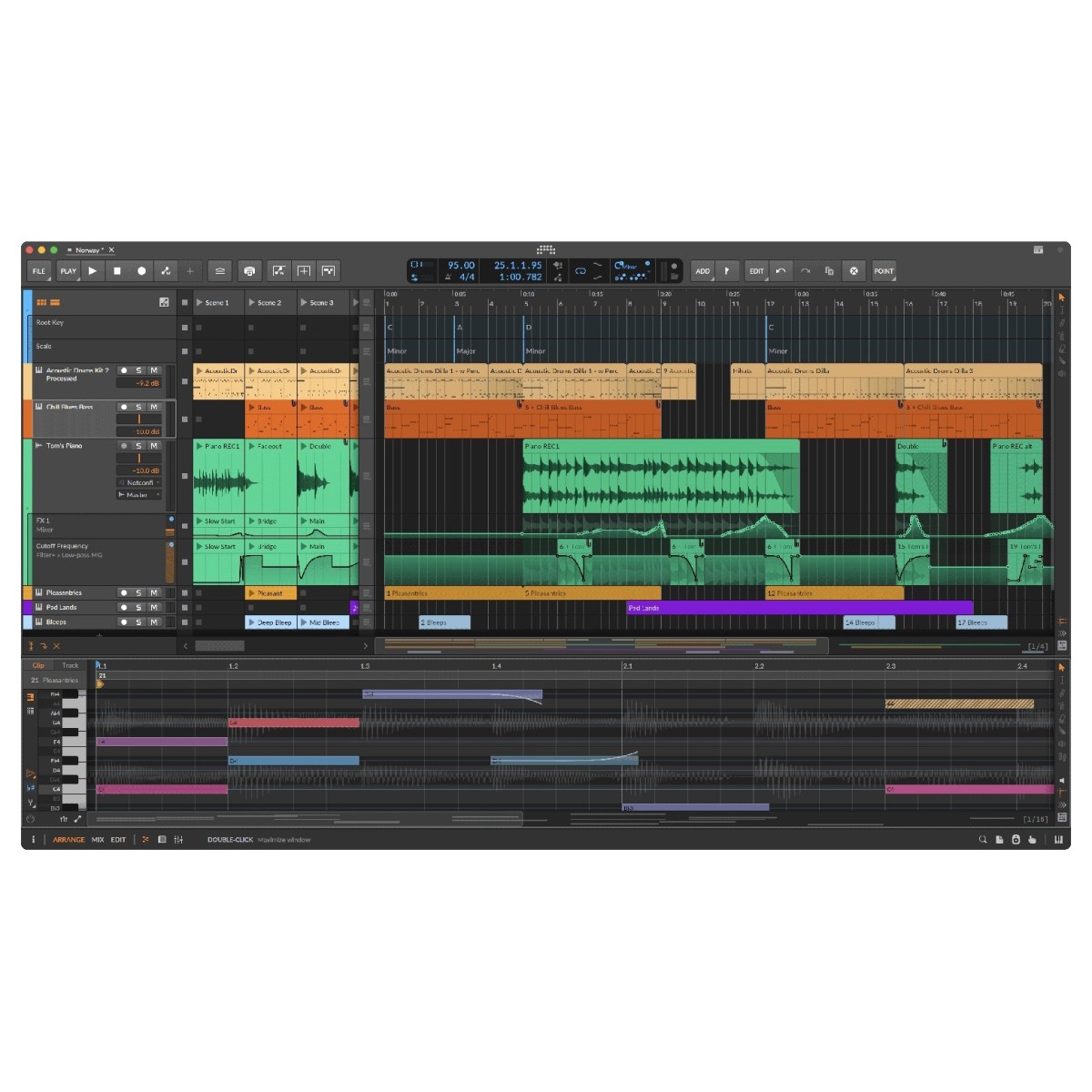
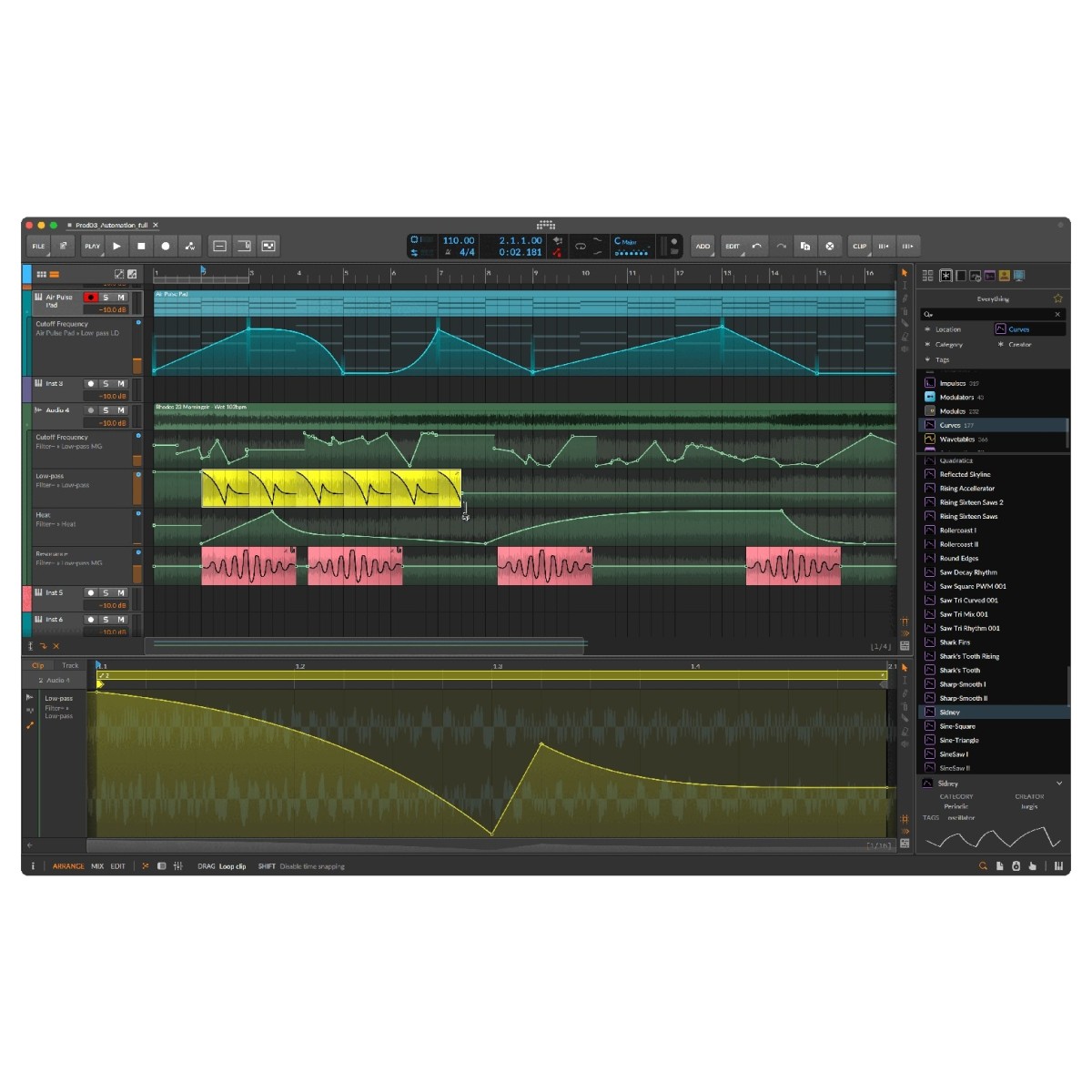
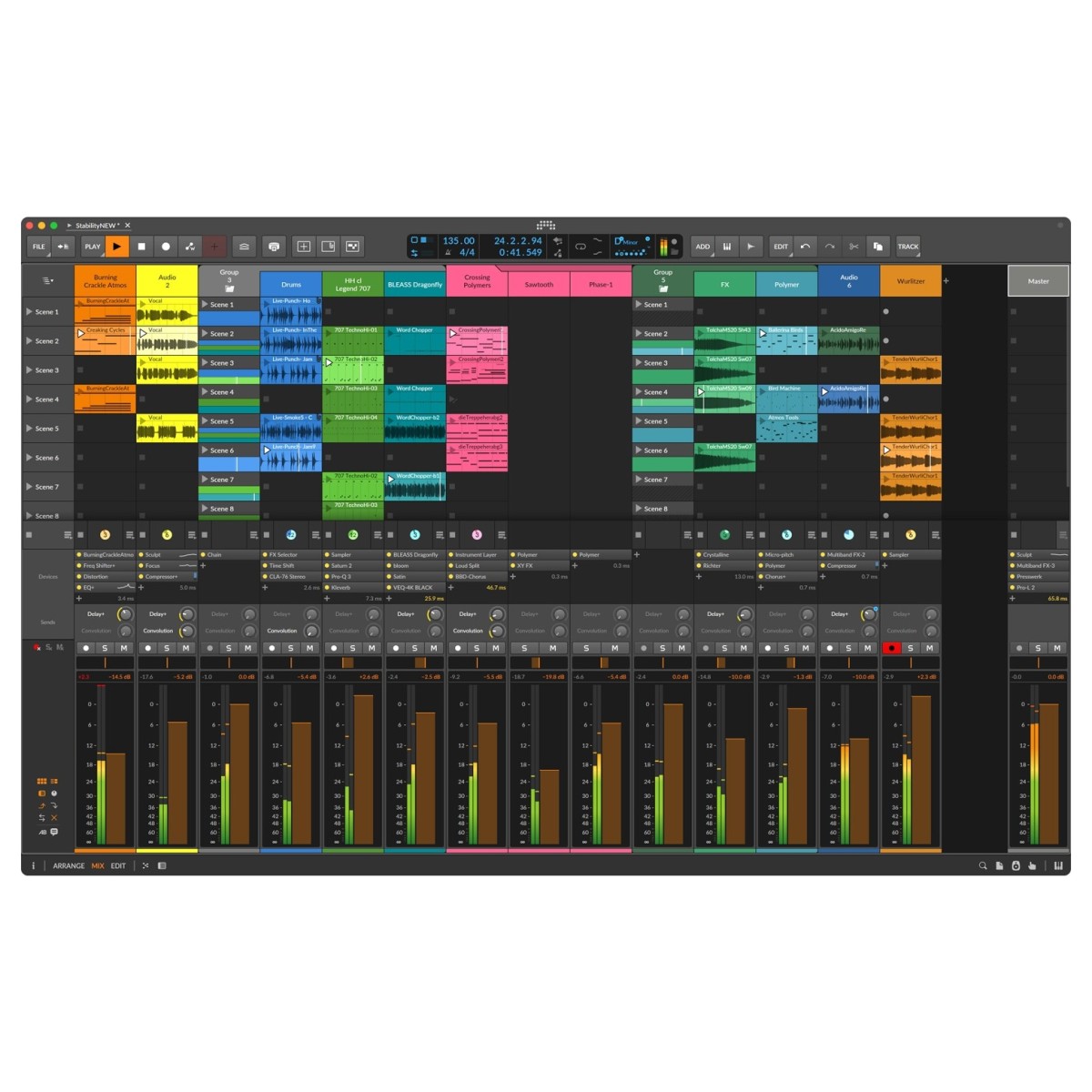
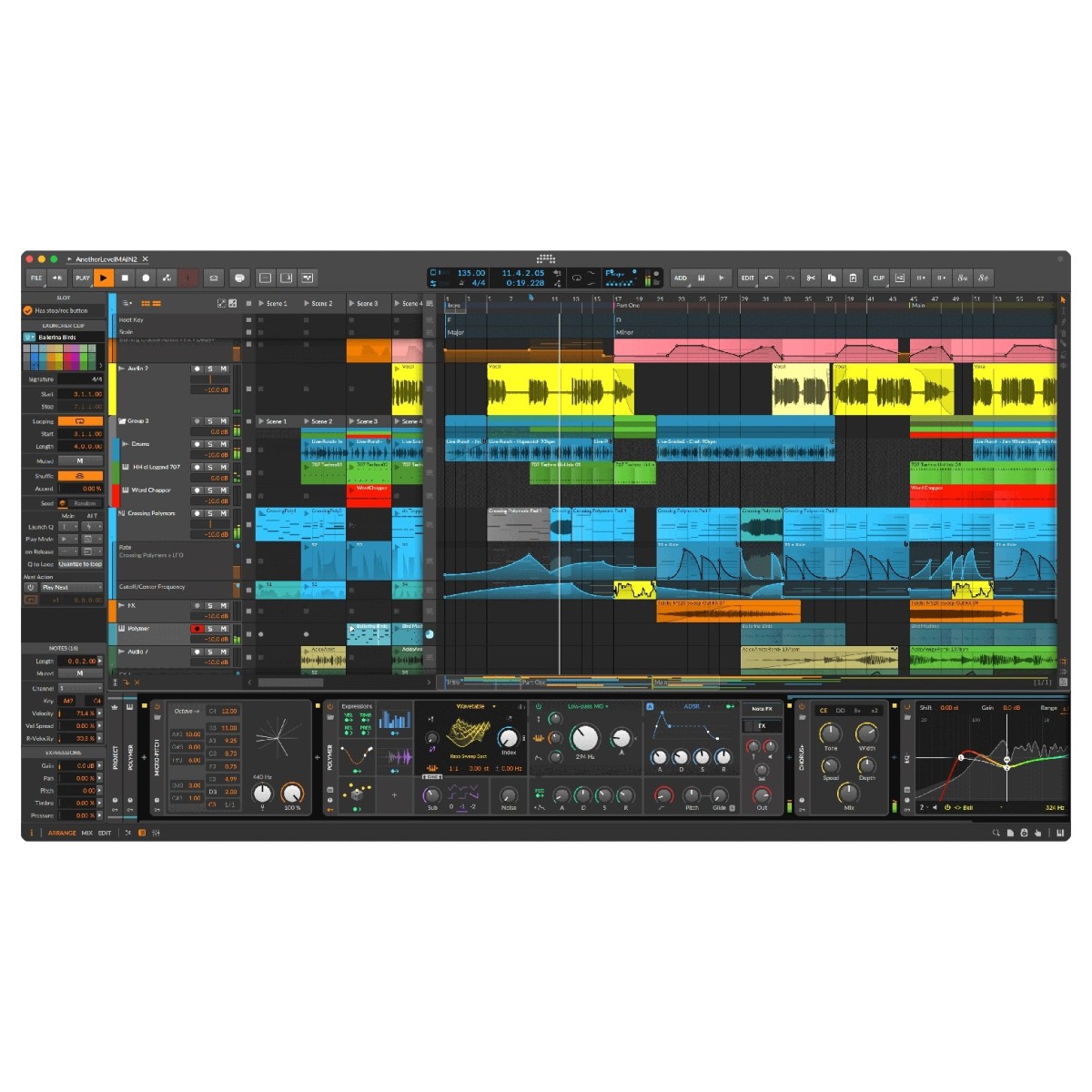
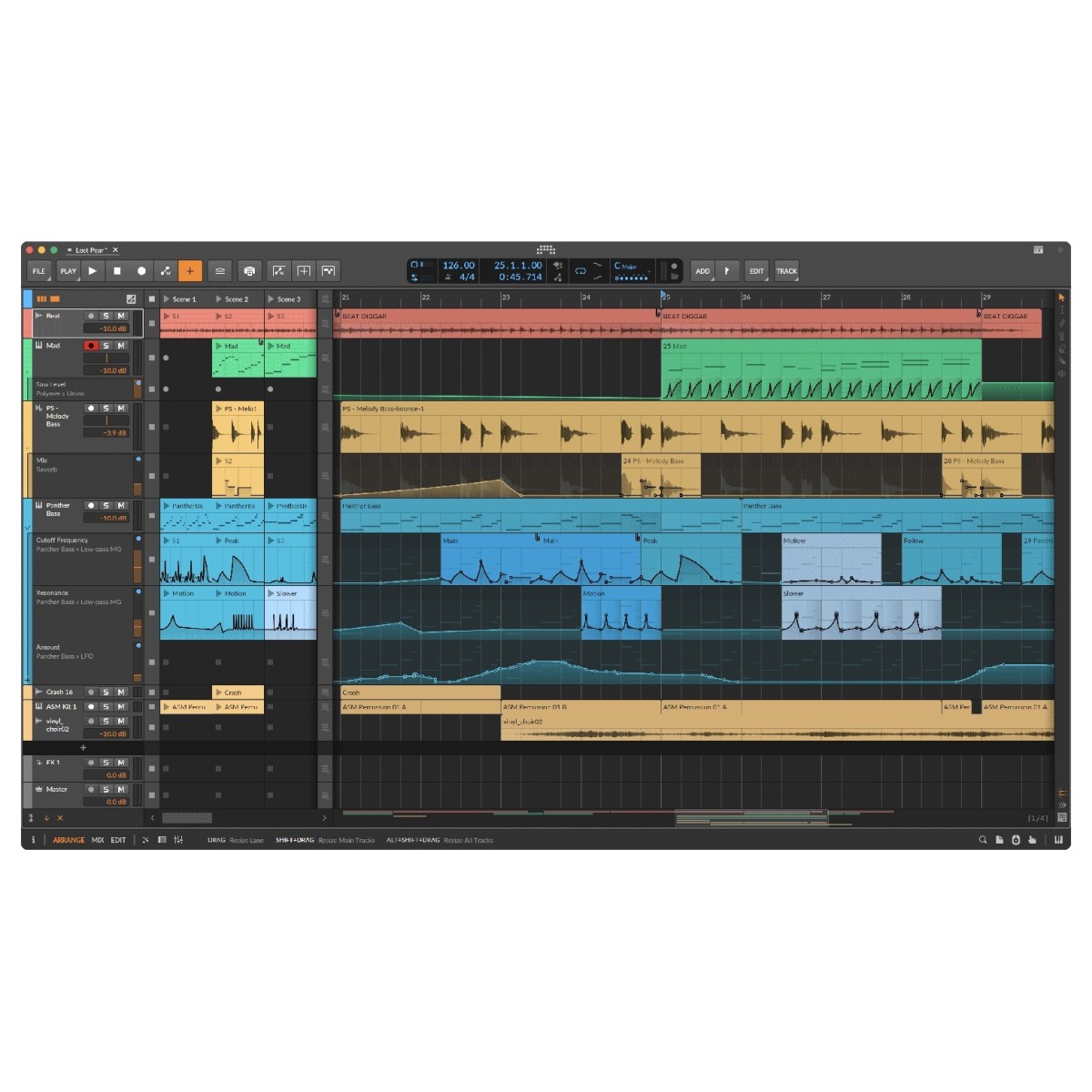
Bitwig Studio combines linear arrangement with nonlinear clip-based production, allowing you to switch between structured editing and spontaneous experimentation. The Arranger provides a detailed timeline for recording and constructing tracks, while the Clip Launcher lets you trigger loops, develop ideas, and improvise arrangements independently.
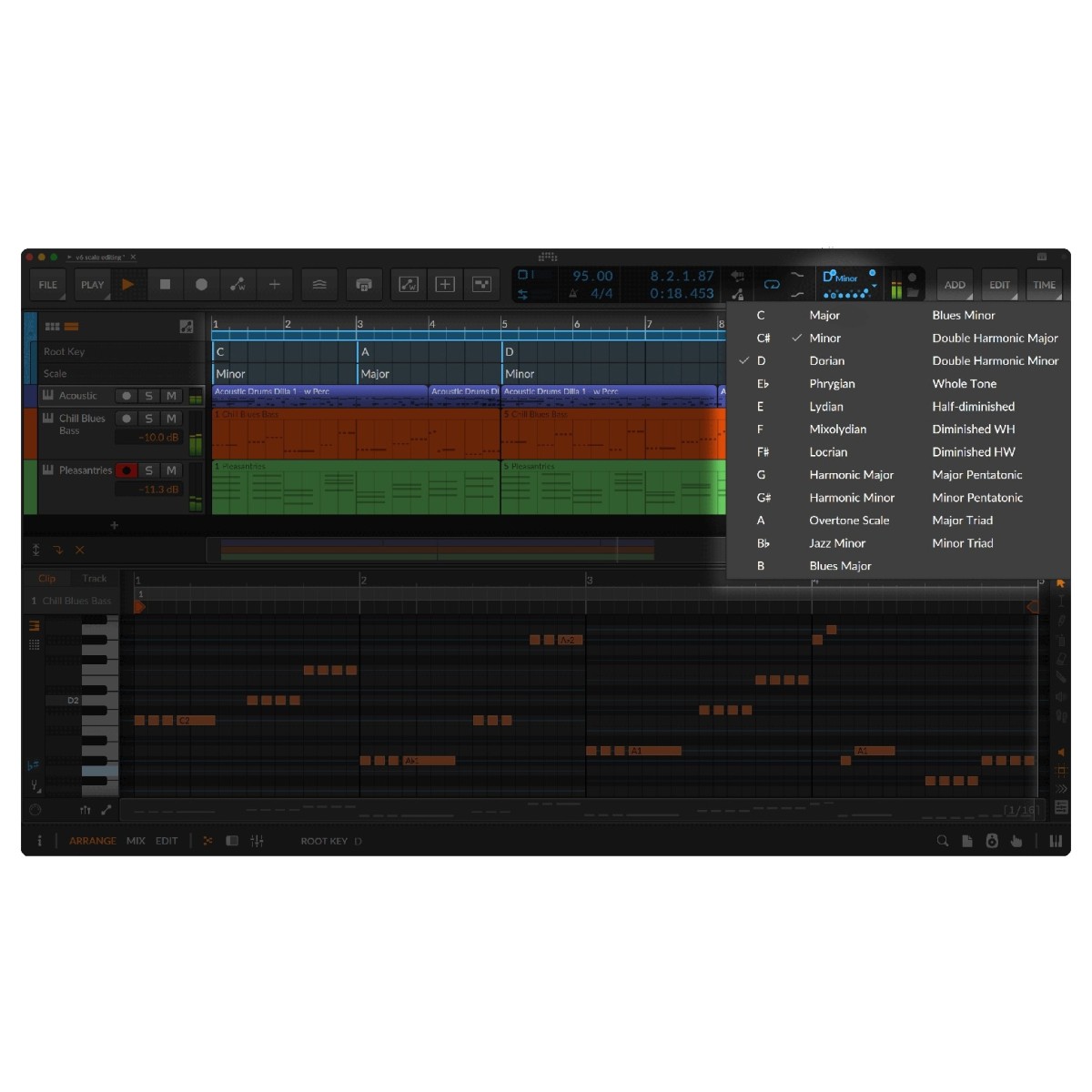
Hybrid tracks accommodate both audio and MIDI, reducing the need to separate different types of musical material. Layered editors also let you view multiple parts together, making it easier to refine timing, harmony, and arrangement details.
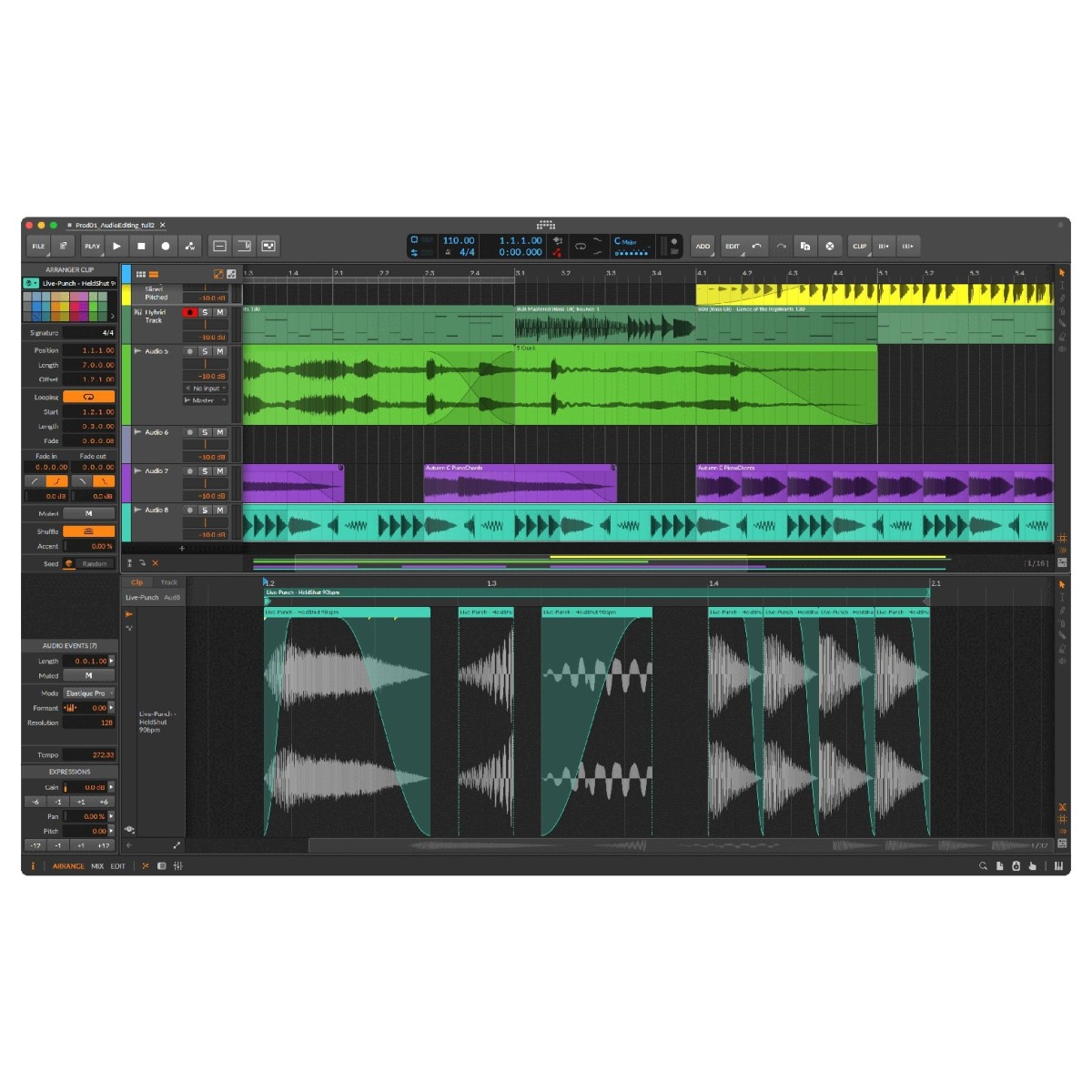
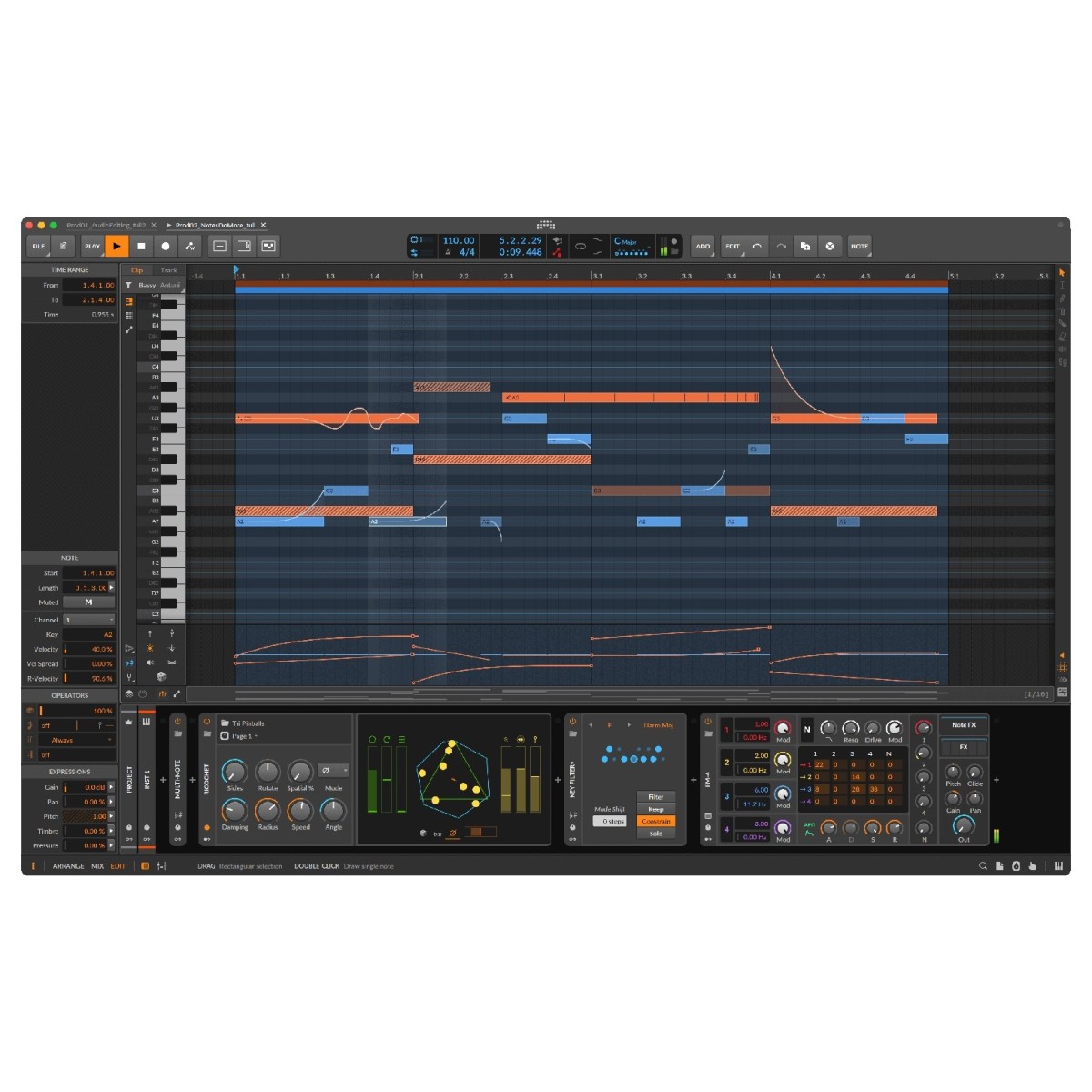
Advanced audio editing tools include transient-based splitting, pitch curves, time-stretching, and clip aliases that link repeated sections throughout a project. For MIDI programming, individual notes support micro-pitch, pressure, and panning information, while Operators introduce controlled variation to note triggering.
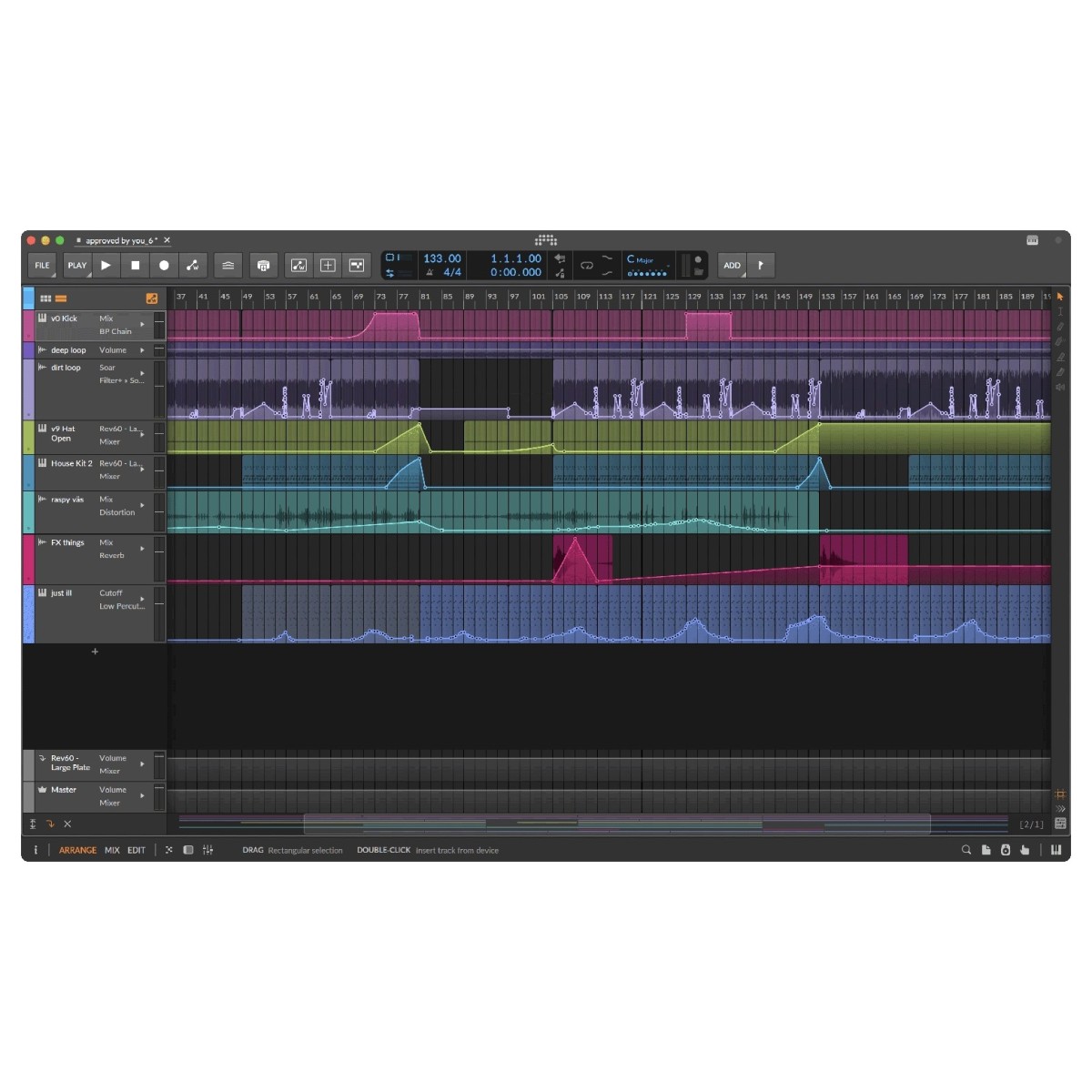
Bitwig's modulation system includes over 40 audio-rate modulators that can control instruments, effects, plug-ins, and connected hardware. Combined with flexible automation clips, independent looping, and Note FX such as Dribble and Ricochet, these features give you plenty of ways to develop movement, variation, and expression throughout your productions.
Detailed sound shaping with the Spectral Suite
Explore new approaches to mixing and sound design with Bitwig Studio's Spectral Suite, a collection of four processors that separate audio into individual components for independent manipulation. Transient Split separates the attack and sustained portions of a signal, allowing you to process sharp transients without affecting the remaining audio. Freq Split divides material into frequency-based components, giving you greater flexibility when applying different effects across the spectrum.
Loud Split separates audio according to its amplitude characteristics, making it possible to process quieter and louder elements differently. Harmonic Split distinguishes harmonic content from other signal components, providing additional options for tonal processing and experimental sound design.
These processors can be used for practical mixing tasks or more unusual creative effects. For example, you can apply distortion to selected frequency regions, add ambience to sustained material while preserving transients, or create layered textures by processing different signal components independently.
Connect and control your hardware setup
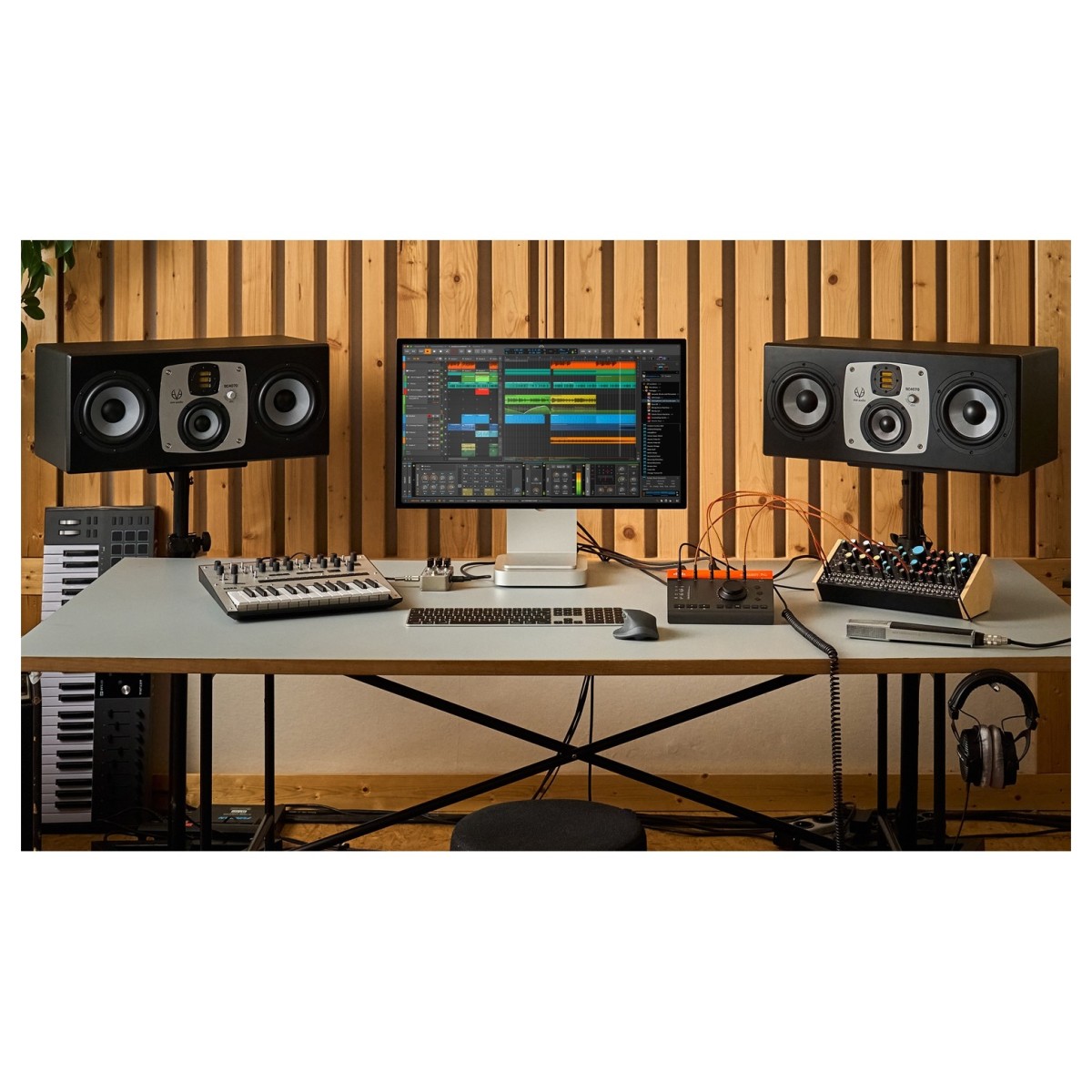
Bitwig Studio provides extensive hardware integration for producers working with external synthesisers, drum machines, MIDI controllers, and modular equipment. Support for MIDI, MIDI CC, CV, Gate, analogue clock, MIDI Clock, and MIDI Timecode allows you to sequence, synchronise, and control compatible hardware directly from your projects.
These connections work in both directions, so external equipment can control Bitwig Studio while the DAW manages sequencing and synchronisation. This makes it easier to combine software instruments with physical gear, develop hybrid production setups, and incorporate hardware performances into your arrangements.
Dedicated multi-touch support also provides an alternative way to interact with instruments and editing tools, while the configurable interface supports setups with up to three displays. Bitwig's modern architecture supports multiple open projects, simultaneous use of more than one audio interface, and open formats including CLAP and DAWproject. With compatibility across Windows, macOS, and Linux, it provides a flexible foundation for studio production and live performance.
Expand your creative toolkit with Bitwig Circle
With Bitwig Studio, you gain access to the Bitwig Circle. Bitwig Circle gives eligible Bitwig Studio owners access to an evolving collection of additional creative tools, educational resources, and partner offers. If you own Bitwig Studio with an active Upgrade Plan, you're eligible for Bitwig Circle membership. Bitwig Connect owners can also access the programme. Simply sign in to your Bitwig user profile to explore the available benefits.
Circle includes selected free plug-ins, training courses, and discounted products developed in collaboration with Bitwig's partners. These resources provide additional ways to expand your production setup, explore new techniques, and develop your knowledge of music production and sound design.
The selection of offers changes over time, so there's an opportunity to discover new tools and learning resources throughout your membership. Combined with Bitwig Studio's extensive built-in instrument and effects library, Circle provides further options for developing your sound and getting more from your software.
Specifications
- Operating system:
- Mac: macOS 12 or later (including Monterey)
- Windows: Windows 10 - 11 (64-bit)
- Linux: Ubuntu 24.04 or later, or a modern distro with Flatpak installed
- CPU:
- Mac: An Apple silicon CPU or 64-bit Intel with AVX2 support
- Windows: AMD or Intel CPU with AVX2 support
- Linux: 64-bit x86 CPU with AVX2 support
- Display: Minimum 1280 x 768 pixel screen resolution
- RAM: Minimum 4GB RAM
- Disk space: 26GB for full content installation
- Activation: Internet connection to download bundled content (not included with installer)
- Product code: 1271-4